Why Most Meal Planning Apps Fail Busy Home Cooks
Many meal planning apps promise convenience but create more work for busy families. Discover the common reasons meal planning apps fail and what features actually save time.

The Spiceful Team
Why Most Meal Planning Apps Fail Busy Home Cooks
Most meal planning apps claim to help you stay organized and make meal prep less stressful. When the year begins, people download these apps with real optimism. By spring, most have stopped using them. This is not just about lost motivation. Busy home cooks often abandon meal planning tools because apps ignore the unpredictable reality of everyday life.
What problems do meal planning apps create for busy home cooks?
Meal planning apps promise order, but several recurring issues make them more hassle than help:
- Complex setup tasks: Many apps ask for too much information up front. Users are expected to enter detailed preferences, set strict schedules, and plan every meal in advance. This feels more like a work project than a kitchen helper.
- Onboarding tedium: Creating an account requires selecting cuisines, entering household details, noting every possible allergy, and guessing at portion sizes. Many just want meal ideas and a grocery list, not to spend time on more forms.
- Messy grocery lists: Automatic list generators rarely get details right. Ingredients are duplicated or split in awkward ways—onions show up three times, eggs get listed in multiple forms. The result is more manual cleanup, than if you started from scratch.
- Rigidity: Plans rarely survive contact with reality. Children get sick, work runs late, stores run out of key vegetables. Many apps make it hard to swap recipes or shift your schedule. That inflexibility pushes already stressed families back to improvising nightly dinners.
Instead of making meal planning easier, many apps add steps and create new pain points.
What impact do these problems have on families trying to plan meals?
When a meal planning tool adds friction, commitment fades quickly. These pitfalls have several direct effects on busy home cooks:
- More decision fatigue: Each extra step in setting up or operating an app drains mental energy. Instead of simplifying dinner, the tool feels like another task on the to-do list.
- Lost time and wasted food: Duplicated shopping lists or missed items increase grocery trips. Forgotten ingredients spoil, and cooks still scramble to substitute on the fly.
- Frustration and quick abandonment: If using the app becomes harder than just improvising, most stop. Sticky notes and mental lists take over, and meal planning returns to last minute guesswork.
The result is the opposite of what most users wanted: more stress, more uncertainty, and little lasting benefit.
What do busy home cooks really need from a meal planning tool?
Effective meal planning apps should help users, not create more steps. Based on the failures of most tools, busy families need:
- A streamlined, fast workflow: Users should be able to set up and use the app with minimal effort, often while doing something else in the kitchen. The core experience should not require long onboarding or training.
- Customizable, realistic recipes: Recipe collections should match common home cooking patterns, not only curated libraries. The best apps let users add their own favorites from blogs or social media.
- A grocery list that makes sense: A single, real-world shopping list with correct quantities and no duplicate ingredients saves time. If three meals need onions, the app should add up the total.
- Built-in flexibility: The plan should adapt easily. Want to skip a meal, move it to another night, or make substitutions when stores run out? That should be simple and obvious.
A good meal planning tool fits around a busy week. It should support the user’s unique habits and respond to unexpected changes without penalty.
How does Spiceful solve these meal planning challenges?
Spiceful was designed to address the specific reasons other meal planning apps fail. Here is what sets it apart:
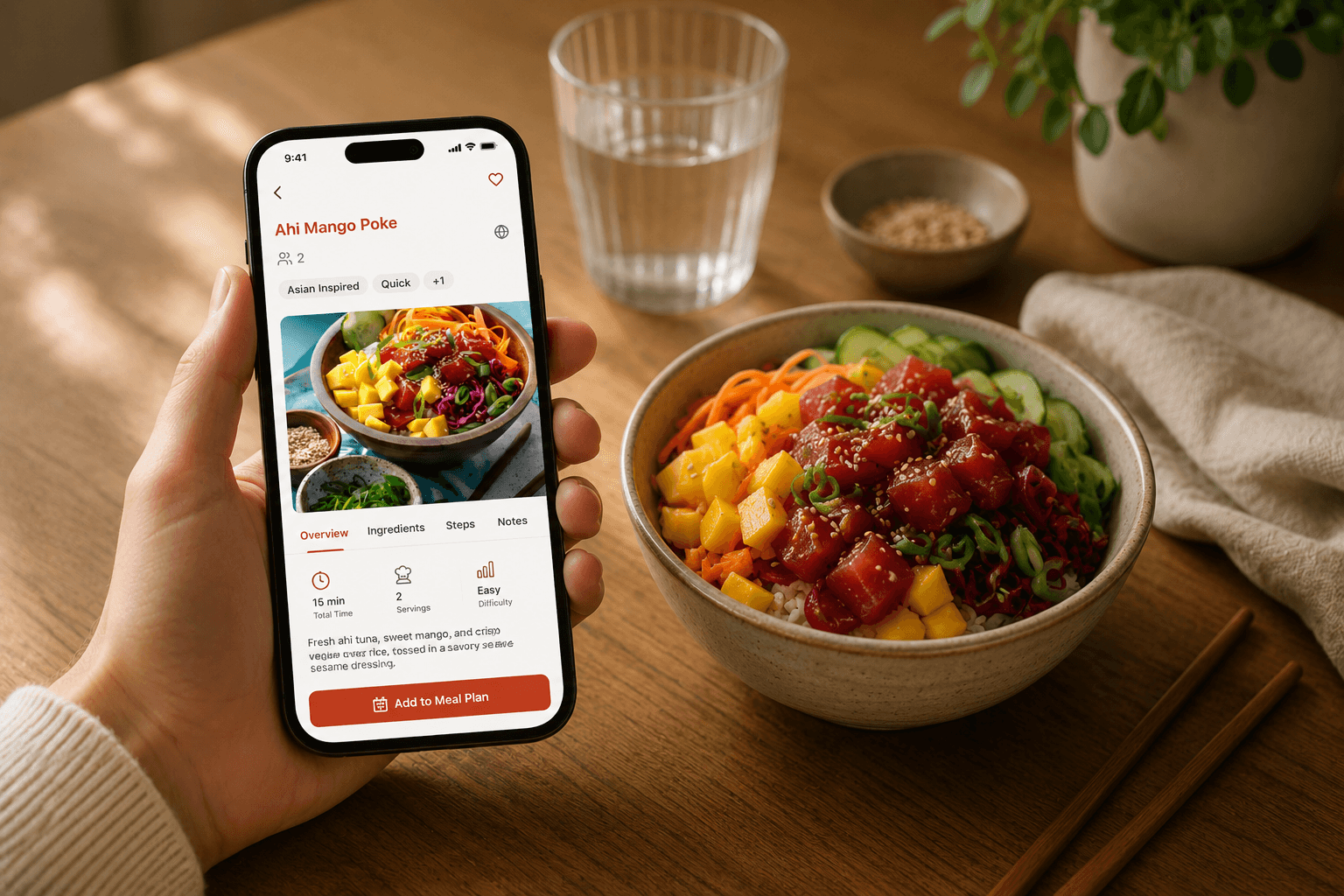
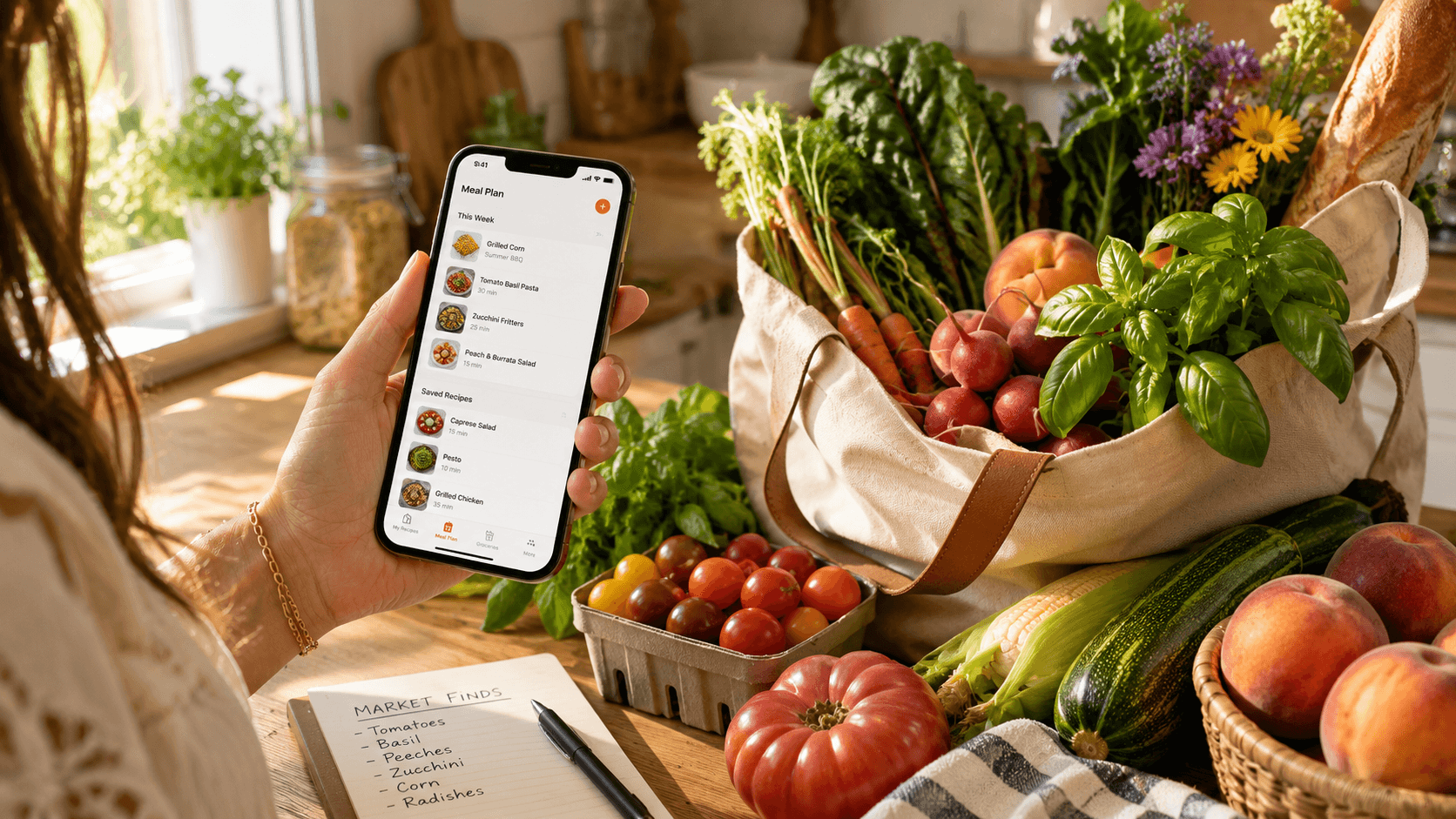
- Quick, intuitive planning: Users can plan a week of meals or make changes in a few taps. Drag-and-drop options and no complicated setup screens.
- Recipe clipper for any source: New recipes can be added from anywhere online, whether Instagram, a favorite food blog or a screenshot from a digital book. No retyping or switching screens is required.
- Grocery math handled for you: The app reviews recipes that list onions in different measurements and simply tells you how many onions to buy. It also prevents duplicated ingredients and unnecessary manual edits.
- Calendar-integrated meal plan: If your schedule shifts, so can your meal plan. Meals can be moved, deleted, or replaced as needed. There is no penalty or confusion for changing your mind.
- Use it on any device: Whether at the store with your phone or planning at a desktop, all recipes and lists sync. Forget paper lists or apps that only work on one platform.
Spiceful’s approach is to get out of the user’s way. It eliminates complexity and lets the meal planning process adapt to real changes in your schedule and shopping routine.
What can you do next if meal planning apps have failed you?
Spiceful is built for people who cook often, want less friction, and need flexible support, not rigid routines. If that matches your needs, explore how Spiceful works.
FAQs
How does Spiceful handle grocery lists differently from other apps?
Spiceful checks all your planned recipes, recognizes different ingredient measurements, and creates a single combined list. It does the math on quantities to prevent duplicates or missed items, matching what actually happens in a grocery store.
Can you import recipes from social media or food blogs into Spiceful?
Yes. Spiceful offers a recipe clipper that lets users save recipes from any website or app.
What makes a meal planning tool easy to stick with?
A meal planning tool is more likely to be used regularly if it requires minimal setup, adapts quickly to changing weeks, and supports recipes from multiple sources. Built-in flexibility and a smart grocery list are essential for long-term use.
Ready to tame the chaos? Build your recipe book.
- Save recipes from anywhere
- Turn ingredients into one tidy list
Start free. No credit card needed. Upgrade anytime.