How to Share Recipes & Grocery Lists with Friends Using Spiceful
Learn how to easily share recipes, meal plans, and grocery lists with friends and family using Spiceful. Keep everyone organized, reduce duplicate shopping, and make meal planning a team effort.

The Spiceful Team
How to Share Recipes Effortlessly with Spiceful
Sharing recipes among friends, family, or cooking groups can create confusion when instructions scatter across multiple apps and email threads. Spiceful simplifies sharing by storing and organizing your favorite recipes, so everyone always sees the latest version you have shared. This article explains how Spiceful helps you collect, update, and share recipes, making meal planning easier for everyone involved.
What is Spiceful?
Spiceful is a digital platform designed for home cooks, meal planners, and groups who want an easy way to save and share recipes. You can import recipes from nearly any website, organize them with tags, and share read-only links. While you can edit your own version of a recipe in your Spiceful app, edits do not sync to others’ accounts or create a shared editing environment. Everyone sees what you share, but edits are always private to your own collection.
Why does sharing recipes matter for home cooks and groups?
Sharing clear, up-to-date recipes in one place reduces meal prep confusion. Everyone accesses your shared link, so no one is left guessing about ingredients or preparation steps. This helps groups avoid mistakes or repeated questions, and makes it easy to tag meals for dietary needs or occasions. A household or cooking group can build a reference library for holidays, potlucks, and weekly dinners by sharing recipes within Spiceful.
How does recipe sharing work with Spiceful?
Spiceful’s recipe sharing process works like this:
- Recipe Clipper: You can import any recipe from the web, social media, or your own files.
- Organized Recipe Library: Recipes are saved in your Spiceful library with tags for easy searching and sorting.
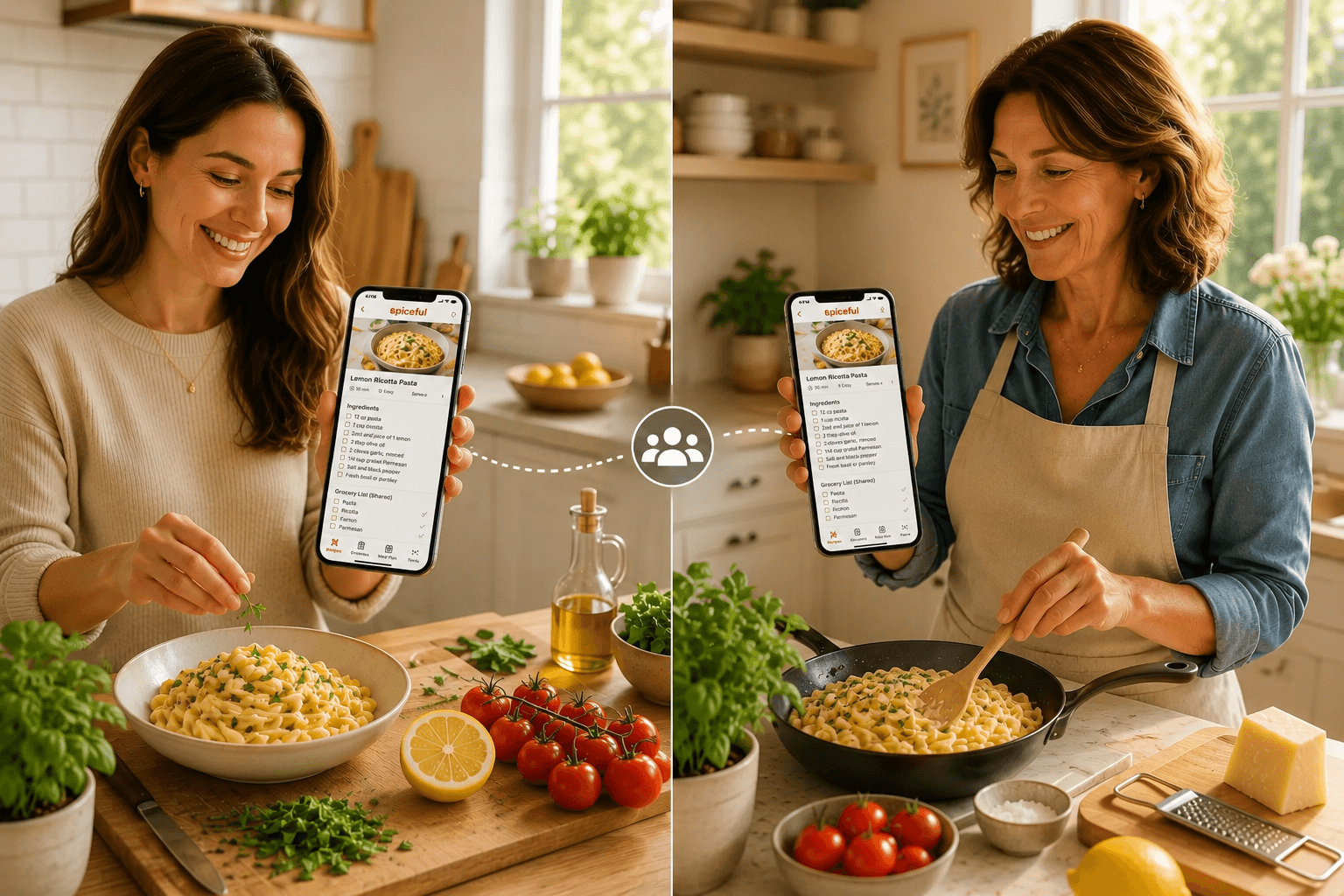
- Shareable Links: Every saved recipe can be shared as a link. Anyone with the link sees your current version.
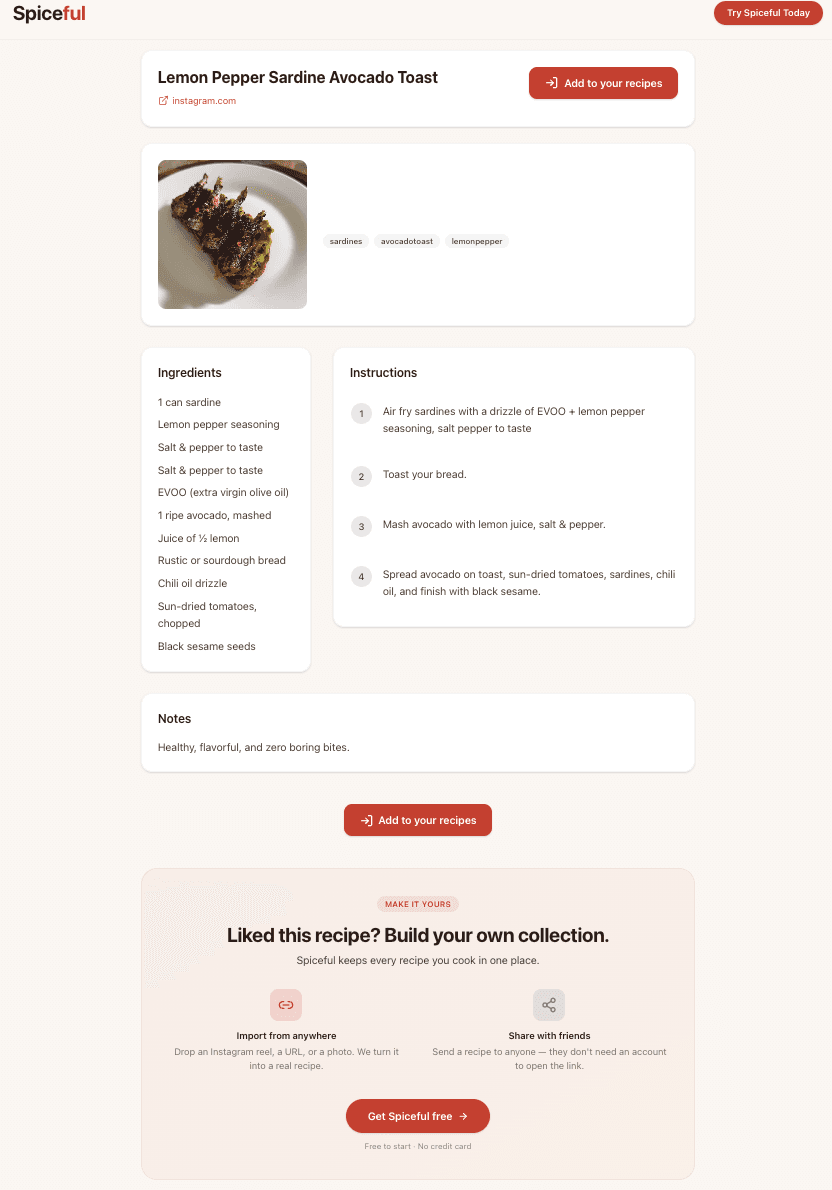
- No Account Required to View: Friends or family only need a browser to access your shared recipe. Creating a Spiceful account is not required for viewing.
You control the sharing: you import and update your recipe, then share the link. Viewers always see what is in your app at that moment, but only your changes appear on your link. Multiple people with Spiceful can each maintain their own version, but editing is not collaborative or simultaneous.
How do you share recipes with Spiceful? (Step-by-step)
- Import a Recipe:
- Open Spiceful on your device.
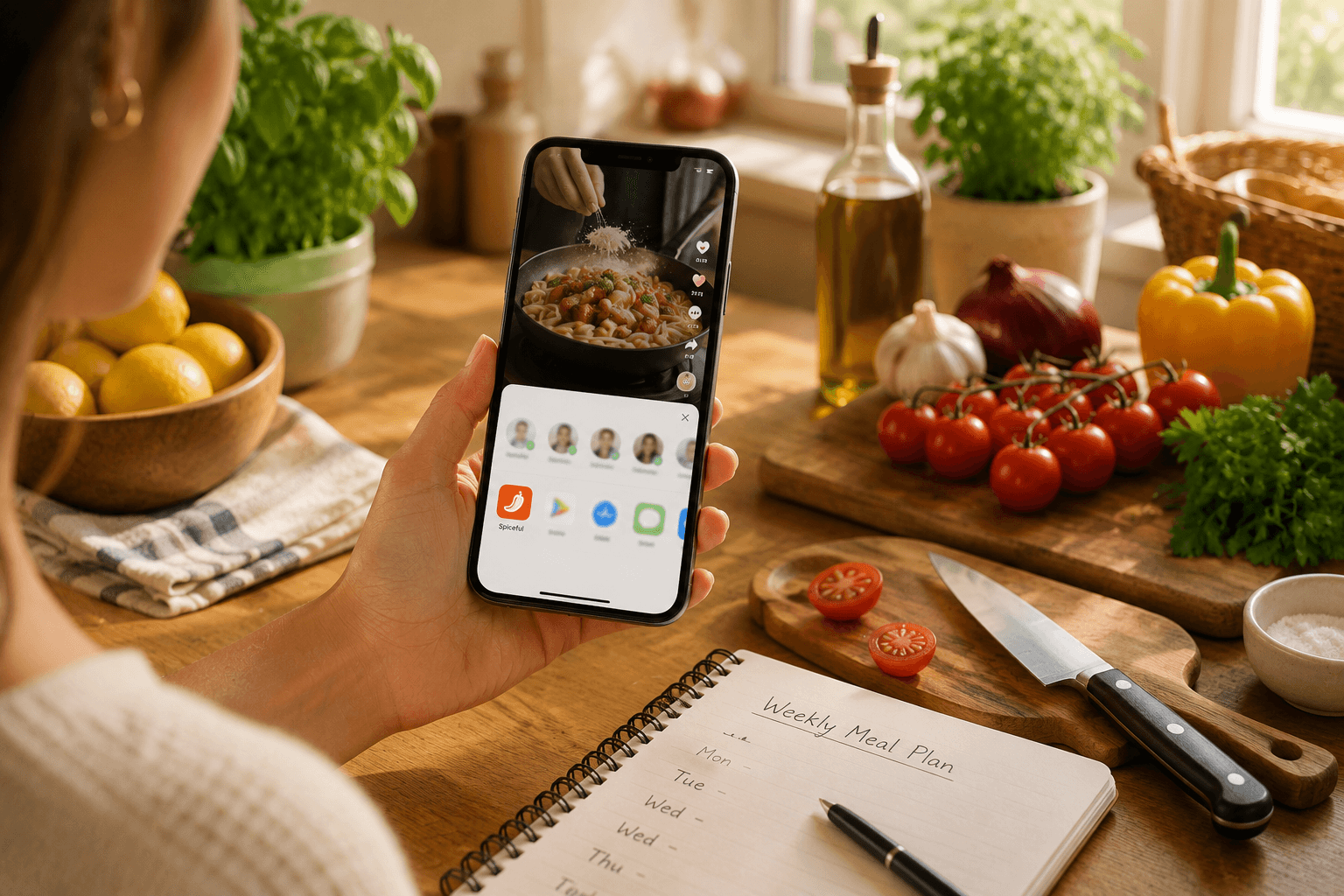
- Use the Recipe Clipper to add a recipe from a website, Instagram, or even a physical cookbook! Spiceful extracts the essentials.
- Organize with Tags:
- Add tags for occasions, dietary needs, or contributors to keep recipes easy to find.
- Edit Your Copy:
- Adjust serving sizes or ingredients as you wish.
- Share the Link:
- Tap “Share” and copy the link. Send by text, email, or group chat.
- Anyone opening the link can view in their browser. No login required.
If your aunt asks for your lasagna recipe, share your Spiceful link. If your cousin saves the recipe to their own Spiceful, any edits he makes do not affect what you or others see.
What are the main benefits of Spiceful for sharing recipes?
- You can update a recipe anytime.
- There is no need to manage multiple document attachments or screenshots.
- Viewers do not have to make an account or download an app.
- You keep your recipe library in one place and share only what’s needed.
Example: Sharing a family holiday recipe
Suppose your family updates a stuffing recipe each holiday season. You import your current version to Spiceful, tag it "family holiday," and share the link. Now all the family has the same recipe on their hands, talk about keeping traditions!
What should you do next?
If sharing recipes is messy or group meal planning is confusing, import your next recipe into Spiceful. Use the share link instead of sending files.
FAQs
Can someone view a shared Spiceful recipe without an account?
Yes. Anyone with the link can see your recipe in a browser. No registration or app download is needed unless they want to create or edit recipes themselves.
Can multiple people edit the same shared recipe?
No. Each user can edit their own copy of a recipe in their Spiceful app. Changes made in one account do not update the recipe for others. Shared links reflect the current version as kept by the original sharer.
What recipe formats or sources can you import?
Spiceful’s Recipe Clipper works with most public websites, Instagram, pictures screenshots and manually added recipes.
Ready to tame the chaos? Build your recipe book.
- Save recipes from anywhere
- Turn ingredients into one tidy list
Start free. No credit card needed. Upgrade anytime.