How to Update Your Grocery List When Your Meal Plan Changes
A practical way to adjust your grocery list after a canceled dinner, meal swap, extra guests, or an emergency takeout night.

The Spiceful Team
Your Sunday meal plan had dreams. Tuesday had a meeting that should have been an email, a dead phone battery, and an extremely persuasive case for noodles from the place downstairs.
The plan changed. Fine. The grocery list does not need to be thrown into the sea.
When a meal moves, gets canceled, grows extra mouths, or is replaced by takeout, reconcile the affected part of the list. Check that meal's ingredients, look for overlap with the rest of the plan, and leave everything unrelated alone. Wednesday-you has suffered enough.
The quick reset
Start with the meal that changed. Pull up the recipe, or write down the ingredients if you planned it in your head with the confidence of someone who has never once remembered to buy limes.
For each ingredient connected to that meal, choose the action that fits:
- Remove it if you have not bought it and nothing else needs it.
- Reduce it if you still need some, but less than originally planned.
- Keep it if another planned meal uses it.
- Give it a new job if you already bought it or want to use it in a replacement meal.
That is the basic system. You are correcting a small patch of the map, not redrawing the continent.
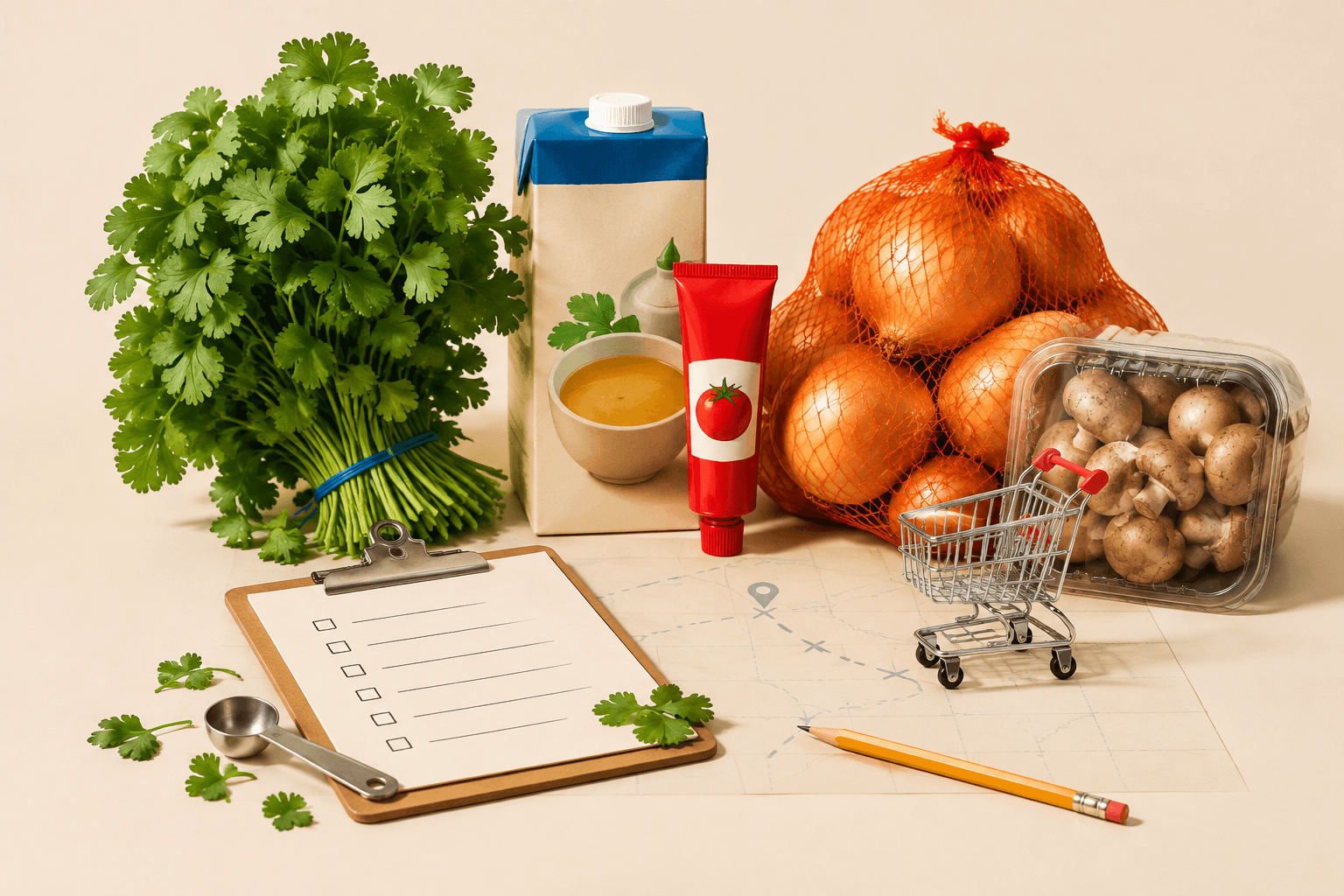
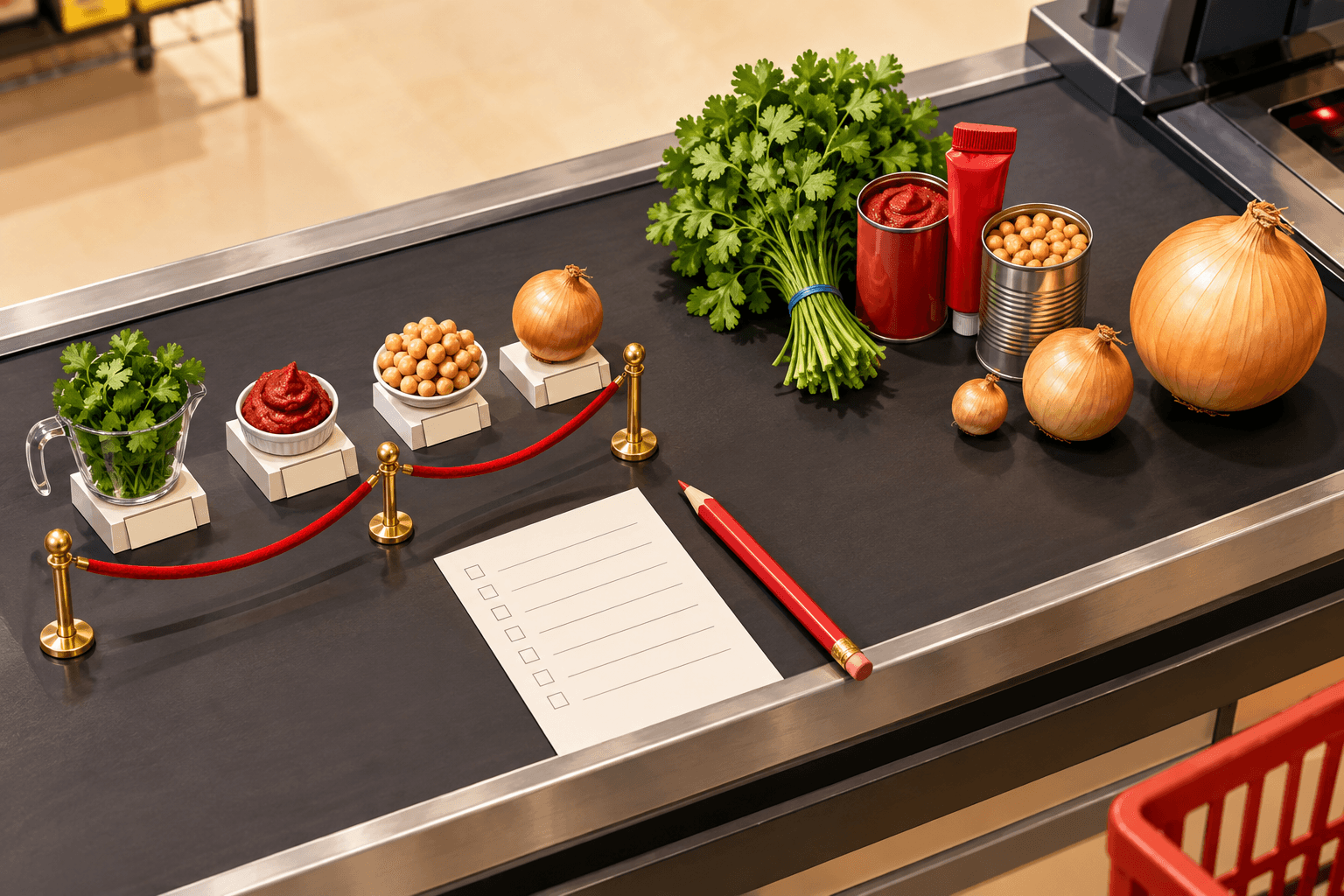
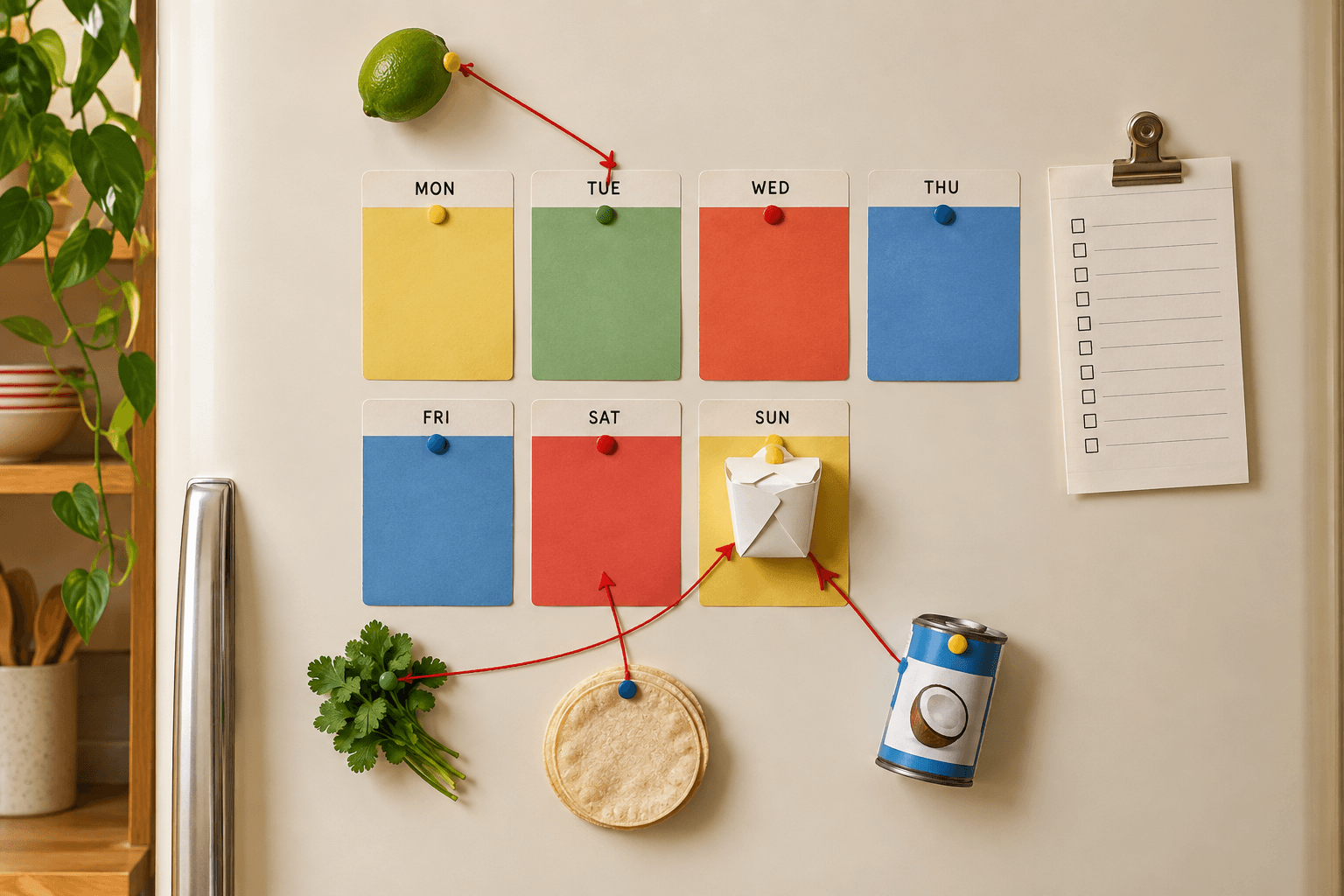
Pause for shared ingredients before deleting anything. A canceled taco night may free up tortillas, while the onions and cilantro still belong to Thursday's chili. Cross off the wrong item and you will be standing in your kitchen later, holding a can opener and experiencing betrayal.
Separate future purchases from food you already bought

These are different problems.
An item still on the grocery list is a future purchase. If the meal has vanished and the item has no other purpose, remove it or reduce the quantity.
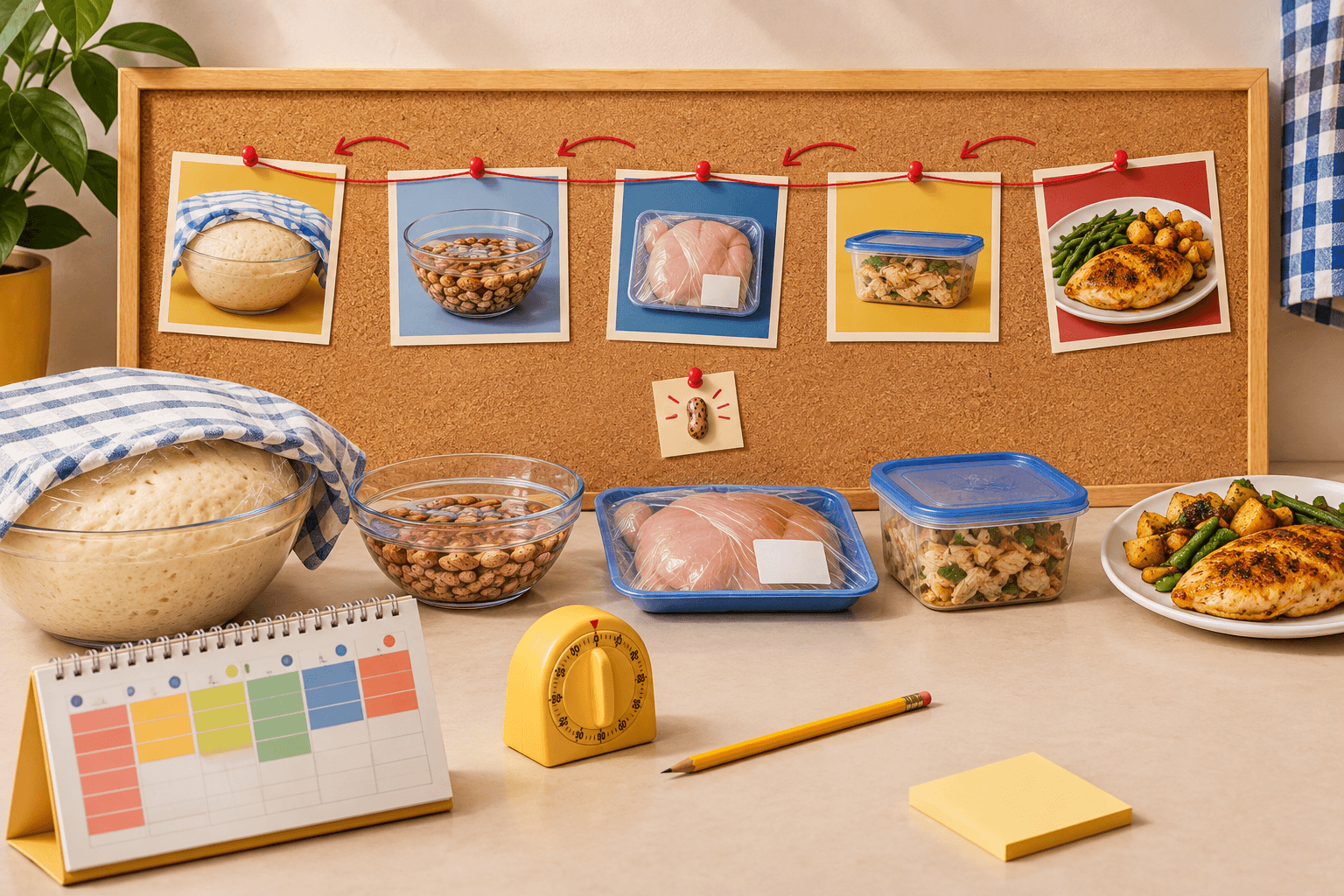
An item already in your kitchen needs a revised use plan. It cannot be un-bought, sadly. Add it to another meal you intend to make, choose a new meal around it, or give it a specific purpose so it does not become refrigerator set dressing.
Avoid vague promises such as “I’ll probably use that fancy cheese somehow.” That is how a $9 wedge becomes a tiny, judgmental fossil behind the mustard. Write down a destination instead:
- “Use the basil in Friday’s pasta.”
- “Put the curry paste into next week’s dinner plan.”
- “Use the roast chicken for sandwiches instead of tacos.”
Focus on ingredients bought mainly for the abandoned recipe, such as an unusual sauce, fresh herb, specialty cheese, specific produce, or the one alarming condiment with exactly one role in your cooking life. Any storage or use decision should follow reliable, ingredient-specific guidance.
Four common plan changes
A dinner is canceled
Say Wednesday’s coconut curry is canceled because leftovers appeared, as they so often do, wearing a trench coat and calling themselves “free lunch.”
Review the curry ingredients only. Keep rice if another meal needs it. Check whether the coconut milk has another planned use. Give Thai basil, kaffir lime leaves, or a particular curry paste a closer look if you bought them mainly for this dinner. If you have not shopped yet, remove anything that no longer has a job.
The meal plan did not fail. It was edited.
You swap meals between days
A true swap may change almost nothing. Moving Tuesday’s pasta to Thursday and Thursday’s stir-fry to Tuesday still leaves the same recipes and ingredients in the week.
Check the schedule for ingredients you intended to use sooner, then make any quantity or list change that follows. If the swap affects an ingredient whose quality or handling depends on timing, use current ingredient-specific guidance rather than guessing. The grocery list may need no edit at all. Sometimes the correct administrative action is “leave it alone,” a rare and beautiful event.
You double a meal or invite extra people
Compare the original recipe amount with the new amount, then update only the ingredients that need more. Two cans of beans may become four. Oil, salt, or spices may be more flexible depending on the recipe and what you already have.
Check shared ingredients before adding more. If you already planned to buy two onions for another meal, the larger chili may simply claim one of them. Grocery lists are full of tiny custody disputes.
You replace dinner with takeout
For a straight takeout night, remove or repurpose ingredients bought only for the original meal.
The replacement may have small grocery needs of its own. Maybe you are keeping the salad you planned, or adding drinks and snacks for a movie night. Add those items manually instead of pretending the original chicken recipe covers sparkling water and a bag of chips.
If you already bought ingredients for the canceled dinner, assign them a named future use. Put the original meal on a later date, or choose another recipe that uses its main ingredients. “Use eventually” is not a plan. It is an omen.
How to spot a stranded ingredient
A stranded ingredient is an item left on your list after its main meal disappears. It is especially common with recipes that require one very particular thing: harissa, dill, rice paper wrappers, a single fennel bulb, or the obscure vinegar that seemed emotionally necessary at 10:47 p.m.
Ask two questions:
- Does another planned meal use this ingredient?
- Can I name a specific meal or purpose for it?
If the answer to both is no and you have not bought it, remove it from the list. If you already bought it, put it into a future meal plan or choose a deliberate use for it.
Staples and specialty ingredients deserve different levels of attention. Keeping garlic on a list is rarely a dramatic commitment. Keeping a niche sauce when you no longer know why you wanted it is how the condiment shelf develops lore.
A grocery-store parking-lot checklist
Use this before shopping, while shopping, or while sitting in the parking lot realizing that the dinner plan has just been defeated by the group chat.
- Which meal changed? Open that recipe only.
- Which ingredients belonged mainly to it? Flag specialty items first.
- Are any of those ingredients shared with another meal? Keep those.
- Have I bought the item already?
- No: remove it, reduce it, or keep it for another planned meal.
- Yes: assign it to a specific future meal or use.
- Did the replacement meal add anything? Add those ingredients or manual items.
- Did the quantity change? Adjust the amount instead of duplicating the item.
Nutrition.gov emphasizes tracking what you need as part of meal planning and shopping. This is the real-life maintenance version, where the plan meets a surprise late meeting and loses.
Keep the recipes and grocery list close
The less detective work required to trace a dinner back to its ingredients, the easier this gets. A recipe library, meal plan, and grocery list that work together can save you from rummaging through browser bookmarks, screenshots, and a note titled “dinner maybe?”
Spiceful is a personal recipe manager where you can schedule saved recipes on a meal plan, generate grocery items from that plan, add ingredients from individual recipes, and add manual grocery items. It can also consolidate duplicate grocery ingredients where appropriate, which is handy when two dinners both want onions and neither understands boundaries.
Spiceful does not make the decision for you after a plan changes. Review the affected recipe, keep shared items, remove stranded ones, and give anything already purchased a real job. Sunday-you made a draft. Tuesday-you is allowed to use a red pen.
Ready to tame the chaos? Build your recipe book.
- Save recipes from anywhere
- Turn ingredients into one tidy list
Start free. No credit card needed. Upgrade anytime.