How to Make a Cookbook Index You’ll Actually Use
Build a small recipe locator for the cookbook recipes worth making again, without cataloging your entire shelf like an unpaid library intern.

The Spiceful Team
How to Make a Cookbook Index You’ll Actually Use
You do not need a spreadsheet containing every recipe in every cookbook you own. You need to find the lentil recipe again.
That is a much smaller project, and it has a better chance of surviving past Sunday afternoon.
A useful cookbook index is a personal recipe locator. It points you to the recipes worth repeating, tells you which book they came from, and includes the words you are likely to remember later. It does not turn your kitchen into a branch of the Library of Congress.
Start with one recipe
Pick a cookbook recipe you have made recently, or one you are fairly sure you will make soon. Add it to your index before you wander into a four-hour cataloging project.
For each entry, record:
- Recipe name: Use the title in the book, or a clearer version if the original is vague.
- Cookbook title: Add the author or edition when two books have similar names.
- Page number: Write down the page where the recipe starts. Page ranges are useful for recipes with several parts.
- Retrieval tags: Add the words you might search or think of later, such as
lentils,lemon,weeknight,vegetarian, orgood in winter. - Cook notes: Include anything your future self will want to know, such as “use less cumin,” “made twice,” or “good with flatbread.”
That is enough. The index exists to help you locate the recipe, not to produce a beautiful data model while dinner gets increasingly theoretical.
A practical example
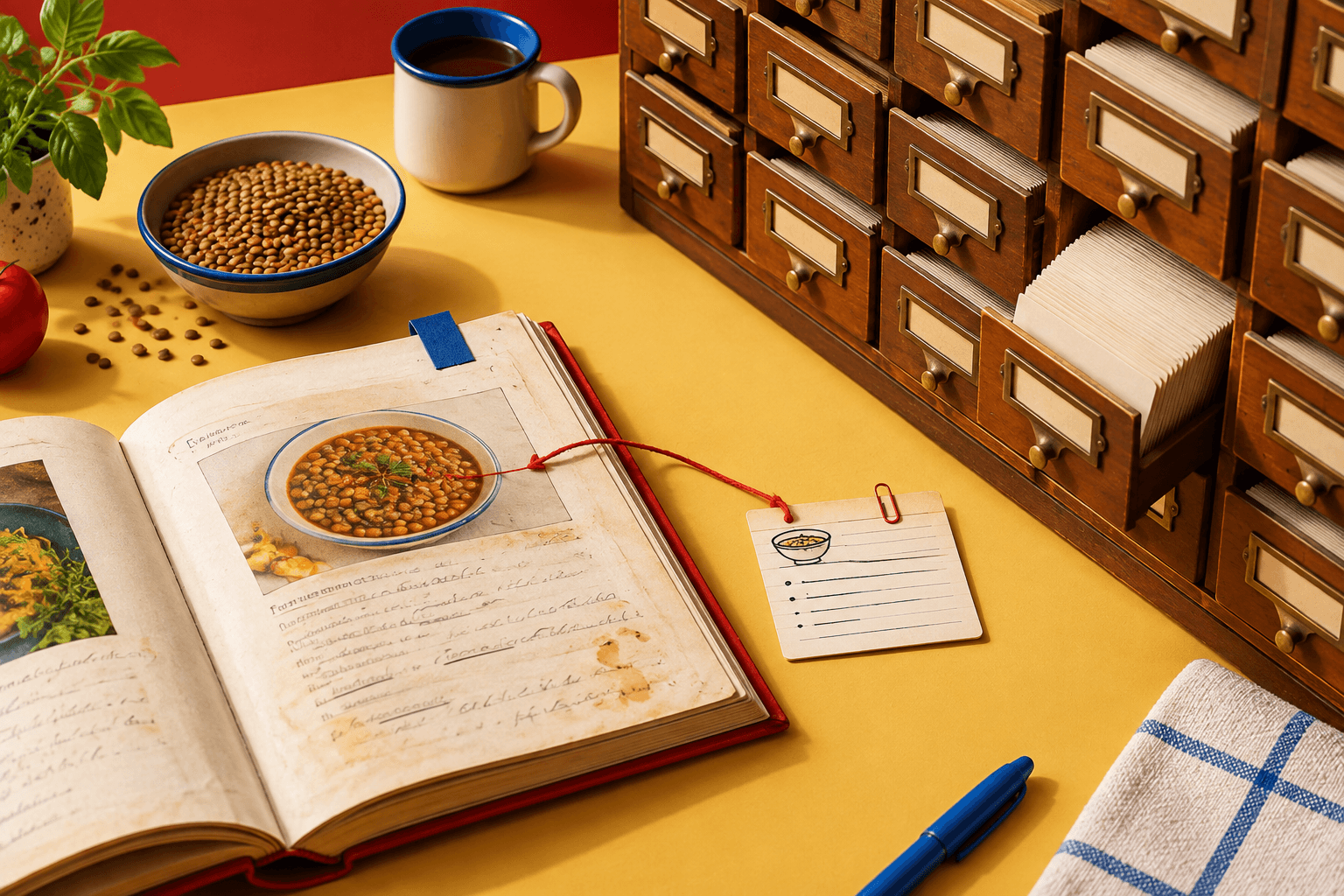
Imagine the cookbook calls a recipe Lentils with Roasted Vegetables. Your entry could look like this:
Recipe: Lentils with Roasted Vegetables
Book: The Weeknight Table, by Mina Patel
Page: 118
Tags: lentils, lemon, vegetarian, weeknight, good with flatbread
Notes: Made twice. Add the lemon at the end. Works better as lunch than a dinner party centerpiece.
The last line matters. A table of contents can tell you that a recipe exists. Your note can remind you why you wanted it again, or why you absolutely did not.
Personal retrieval cues are often more useful than formal categories. You might remember “the lentil one with lemon,” “the soup that fixed February,” or “that pasta for when I have half a zucchini.” Write the phrase you would actually use, not the phrase a very serious archivist might approve.
Indexing is different from digitizing
An index tells you where a recipe lives. Digitizing means creating a separate copy of the recipe's contents in a digital format.
You only need the first one if your main problem is finding the page. A page number, book title, and a few useful tags may solve the problem without typing out ingredients and instructions from a 400-page cookbook.
Digitizing a selected recipe can still be worthwhile when you have changed it substantially, want to search it alongside recipes from other sources, or need it with you while shopping. The important word is selected. There is no prize for converting your entire bookshelf into a personal archive before making dinner.
Choose the least annoying format
Use whatever you will open again. The best cookbook index is the one that does not feel like homework.
Index cards or a notebook
This works well if you like writing by hand and have a small collection of repeat recipes. Give each entry the same basic fields, then keep the cards or pages somewhere you will remember.
A notebook is especially handy for recipes still in the “probably worth making again” phase. You can add a note after cooking without opening a laptop covered in flour fingerprints.
A spreadsheet
A spreadsheet is useful when you want to sort or search a larger list. Try columns for recipe, cookbook, page, tags, and notes. Keep tags loose. Quick dinner and company meal are more useful than building a twelve-level taxonomy that requires its own onboarding document.
A notes app
Create one note called Cookbook recipes to find again, then use a consistent entry format. Search will handle the locating. This is a good choice if you already keep grocery thoughts, screenshots, and other small pieces of life in the same app.
A recipe manager
A recipe manager makes sense when you want selected cookbook recipes to sit alongside recipes saved from websites, Instagram, messages, and photos. You can create a recipe manually, or use a mobile photo import where available. Check the imported details against the cookbook page and correct anything that came through incorrectly. A photo is a useful shortcut, not an oracle.
Spiceful can hold those selected cookbook recipes in a personal recipe library. Users can create and edit recipes, then search and filter them, add categories, favorite or rate them, and use saved recipes in meal planning or grocery-list workflows. It does not currently offer cookbook bulk import, so this is a recipe-by-recipe system rather than a way to swallow the whole shelf in one heroic gulp.
Add recipes after they earn their place
A low-effort workflow looks like this:
- Cook a recipe from a book.
- Decide whether you would make it again. “Fine” is allowed to mean no.
- Add it to the index if it earned repeat status. Record the title, book, page, tags, and any useful note.
- Update the entry when you make it again. Add a substitution, serving note, or adjustment that future-you might otherwise forget.
You can also add likely candidates before cooking them, especially if someone recommended a particular recipe. Keep those entries marked as untested or “to try” so your notes do not accidentally give a mediocre recipe a glowing reputation.
For recipes with vague titles, use your own label alongside the original one. “Beans and Greens” might become beans and greens, lemon, pantry dinner. For cookbooks with similar titles, include the author, publication year, or a photo of the cover. Page numbers can vary between editions, so the fuller source note earns its keep.
Keep the maintenance routine tiny
Once a month, or whenever you finish cooking from a book, spend a few minutes cleaning up the index:
- Fix a page number that was copied incorrectly.
- Add a note to a recipe you changed.
- Mark recipes you would make again.
- Remove entries you know you will never revisit.
That is the entire maintenance plan. You do not need to reorganize your shelves by cuisine, color, season, or emotional era unless that sounds genuinely enjoyable. The shelf helps you find the book. The index helps you find the recipe inside it.
Start with the lentil recipe. If the system helps you find it next time, add another.
Ready to tame the chaos? Build your recipe book.
- Save recipes from anywhere
- Turn ingredients into one tidy list
Start free. No credit card needed. Upgrade anytime.