How to Save Instagram Recipes You'll Actually Cook
Stop losing recipes in your Instagram Saved folder. Learn how to save Instagram Reels and posts into Spiceful, organize them, and turn them into meals you'll actually cook.

The Spiceful Team
How to Save Instagram Recipes You'll Actually Cook
If your Instagram Saved folder is full of recipe videos you'll never find again, you're not alone.
It's easy to save a recipe while scrolling. The hard part is remembering it's there when you're planning dinner.
Instead of becoming meals, most saved recipes disappear into an endless collection of Reels you'll probably never open again.
Here's how to save Instagram recipes in a way that actually helps you cook them.
Why Instagram Isn't a Great Recipe Organizer
Instagram makes saving content simple, but it wasn't designed to manage recipes.
After a few weeks of scrolling, your saved recipes are mixed in with travel ideas, home projects, memes, and everything else you've bookmarked.
When it's time to cook, finding that one pasta recipe you saved last month can feel impossible.
A Better Way to Save Instagram Recipes
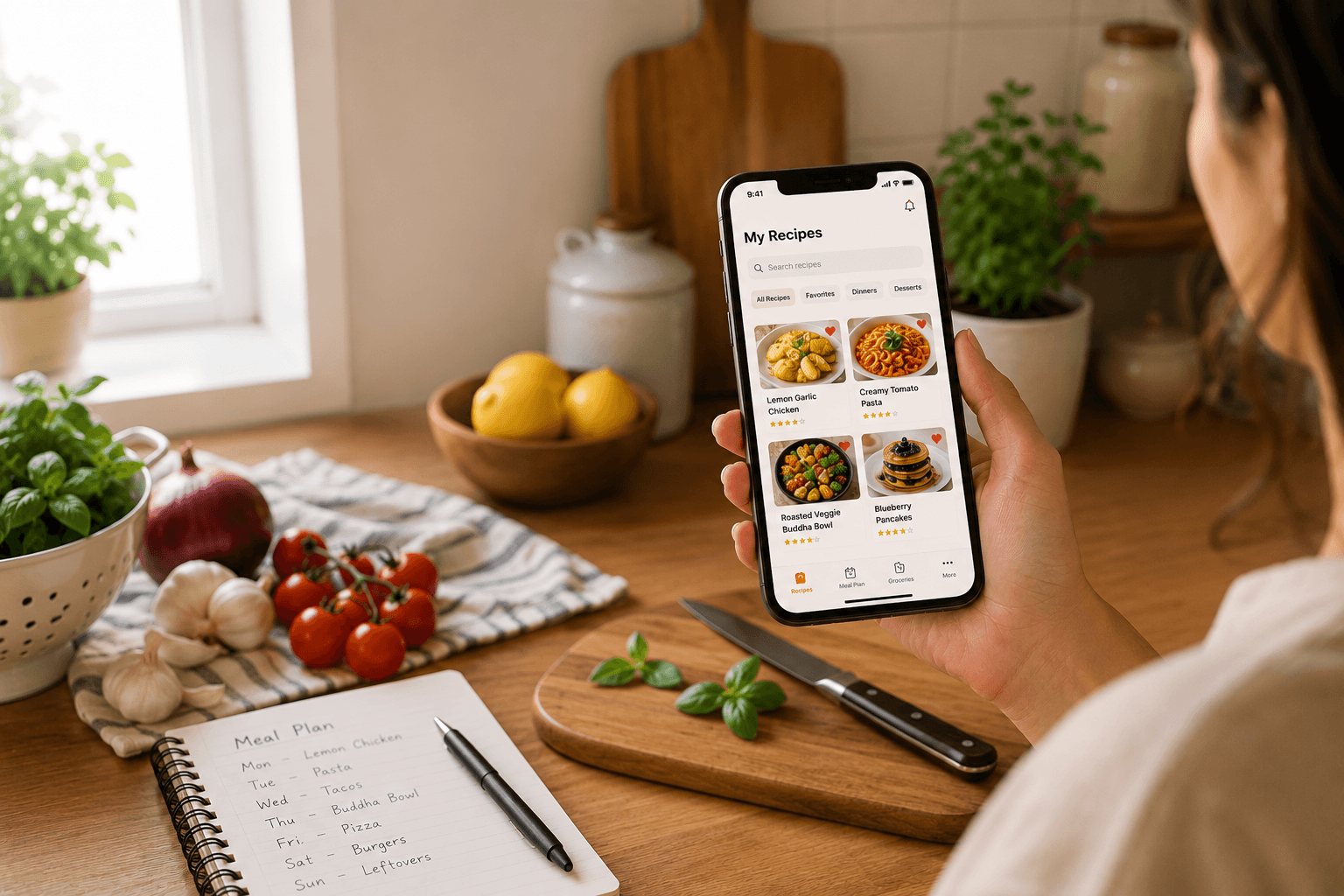
With Spiceful, you can save recipes directly from Instagram Reels and posts into your personal recipe collection.
Instead of staying inside Instagram, your recipes become searchable, organized, and ready whenever you're planning meals.
No copying links. No screenshots. No scrolling through hundreds of saved posts.
How to Save Instagram Recipes with Spiceful
Saving a recipe only takes a few taps.
Step 1
Open the Instagram Reel or post you want to save.
Step 2
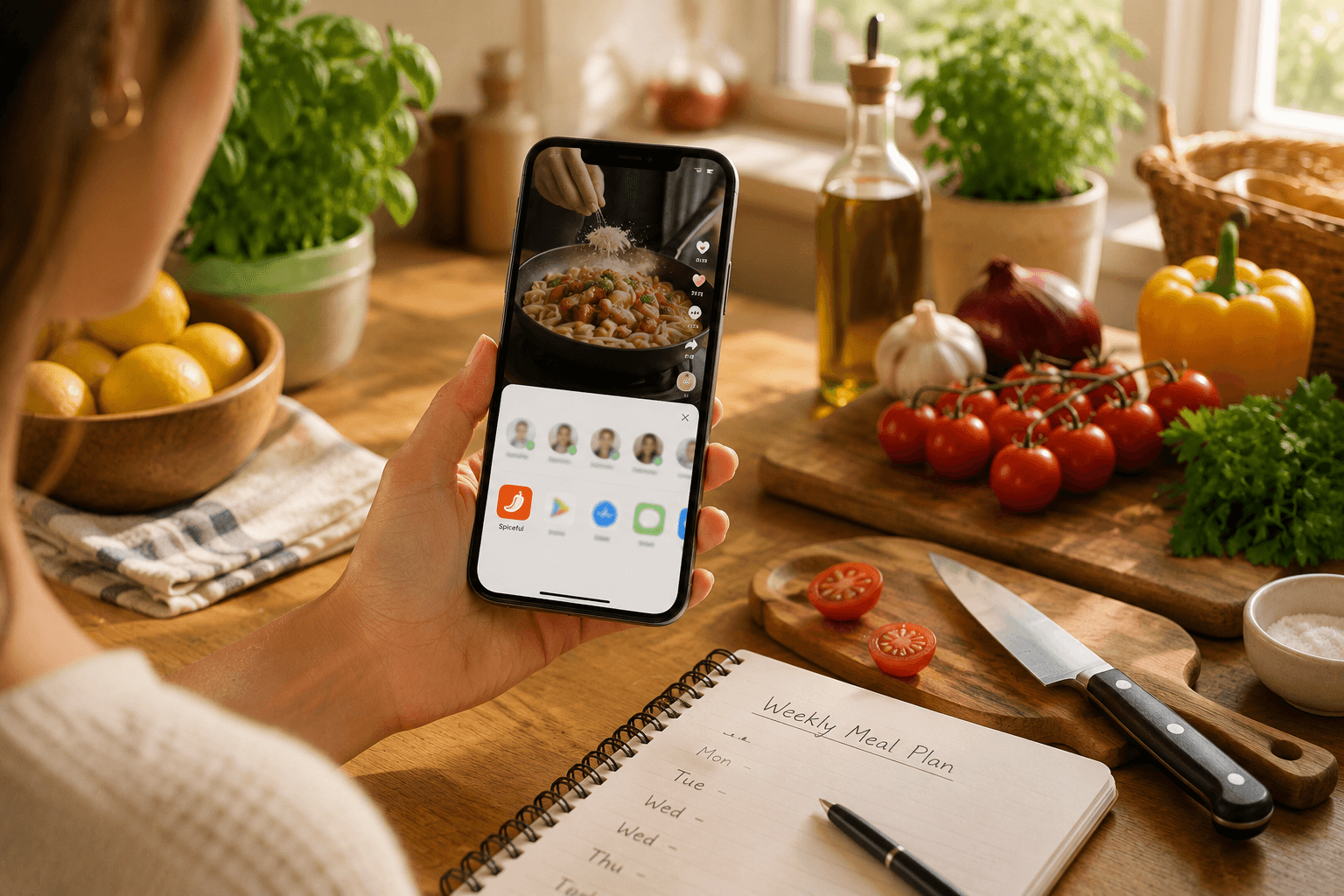
Tap Share and choose Spiceful from the Share Sheet.
Step 3
Spiceful imports the recipe, including the ingredients, instructions, and other important details.
Step 4
Organize it into your recipe collection so it's easy to find later.
Turn Saved Recipes into Real Meals
Saving recipes is only the beginning.
Once your recipes are in Spiceful, you can:
- Add them to your weekly meal plan
- Generate smart grocery lists
- Organize recipes into collections
- Share recipes with family
- Keep all your favorite recipes in one place
Instead of collecting recipes you'll forget about, you'll have a recipe library that's ready whenever you need dinner inspiration.
Frequently Asked Questions
Can I save recipes directly from Instagram Reels?
Yes. You can share an Instagram Reel to Spiceful and save the recipe directly to your collection.
Does Spiceful organize my saved recipes?
Yes. Once imported, recipes can be organized into collections, making them much easier to find later.
Can I use saved recipes for meal planning?
Absolutely. Saved recipes can be added to your weekly meal plan and grocery list inside Spiceful.
Stop Saving Recipes You'll Never Cook
Instagram is great for discovering new recipes.
Spiceful is where those recipes become part of your everyday cooking.
Instead of losing recipes in your Saved folder, organize them into a collection you'll actually use, plan meals more easily, and spend less time searching for dinner.
Ready to make your saved recipes useful? Download Spiceful and start saving Instagram recipes you'll actually cook.
Ready to tame the chaos? Build your recipe book.
- Save recipes from anywhere
- Turn ingredients into one tidy list
Start free. No credit card needed. Upgrade anytime.