Best Recipe Organizer Apps in 2026: Compare the Top Options
Looking for the best recipe organizer app? Compare the top options in 2026, learn which features actually matter, and find the right app for the way you cook.

The Spiceful Team
There are plenty of recipe organizer apps to choose from, and many promise the same thing: one place for all your recipes.
But saving recipes is only the beginning.
A useful recipe organizer should also help you find recipes later, turn them into meal plans, and build grocery lists without adding more work to your week.
Here is what to look for before choosing the right app for the way you cook.
1. Easy Recipe Importing
Recipes come from more places than ever.
You might find them on food blogs, Instagram Reels, printed recipe cards, screenshots, or inside another recipe app.
A good recipe organizer should let you add recipes without manually retyping every ingredient and step.
Spiceful can import recipes from:
- Websites
- Photos
- Pasted text
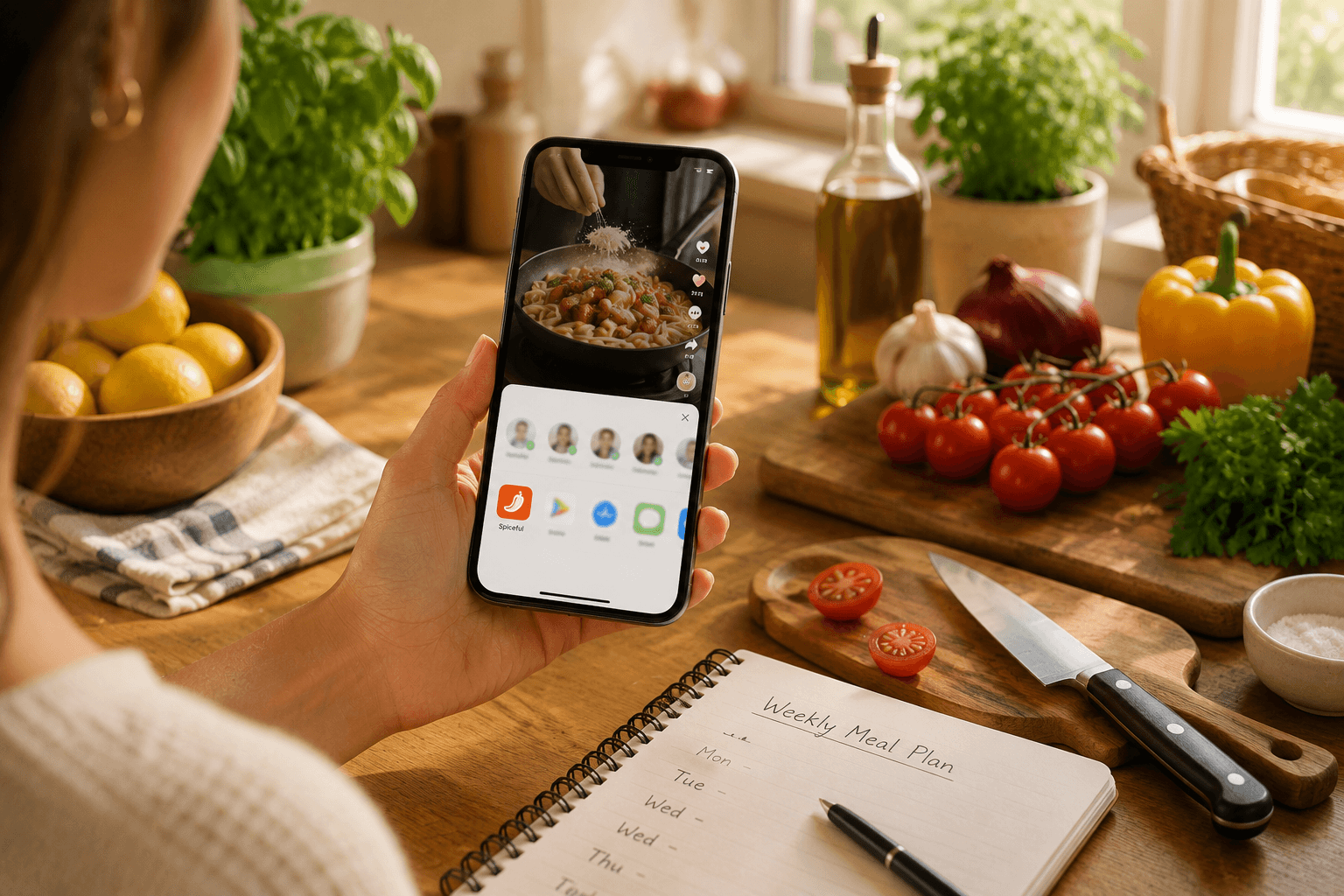
- Instagram Reels
- Supported recipe app exports, including Paprika and Mela
Spiceful extracts the recipe details and adds them to your collection, giving you one place to keep recipes from different sources.
2. Search and Organization That Work
Saving hundreds of recipes is not useful if you cannot find the one you need.
Look for an app that lets you search and filter your collection. Favorites, categories, and other organizational tools can also make a large recipe library easier to use.
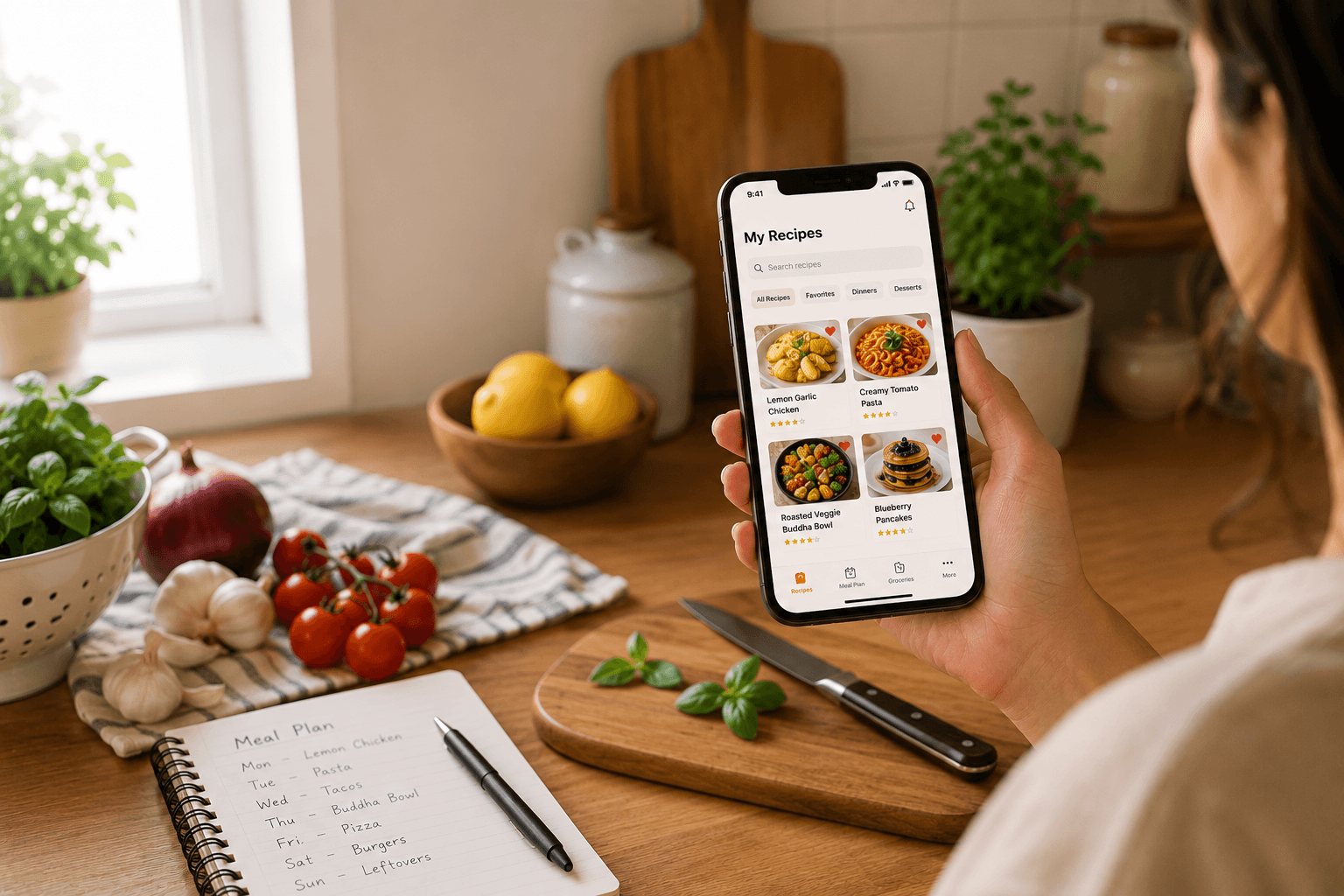
Spiceful lets you search and filter recipes, organize your collection and mark recipes as favorites.
The goal is not simply to store recipes. It is to find the right one when you are ready to cook.
3. Meal Planning Built Around Your Recipes
Some recipe organizers act like digital filing cabinets. They store recipes but do not help you decide what to cook during the week.
A built-in meal planner connects your recipe collection to your actual routine.
Spiceful lets you schedule saved recipes on specific days and manage them from a weekly meal plan. Instead of searching for dinner ideas every evening, you can decide ahead of time and keep the plan connected to the recipes you will use.
4. Grocery Lists Created from Recipes
Rewriting ingredients into a separate grocery list adds another step to meal planning.
A recipe organizer is more useful when it can add ingredients directly from your recipes or meal plan.
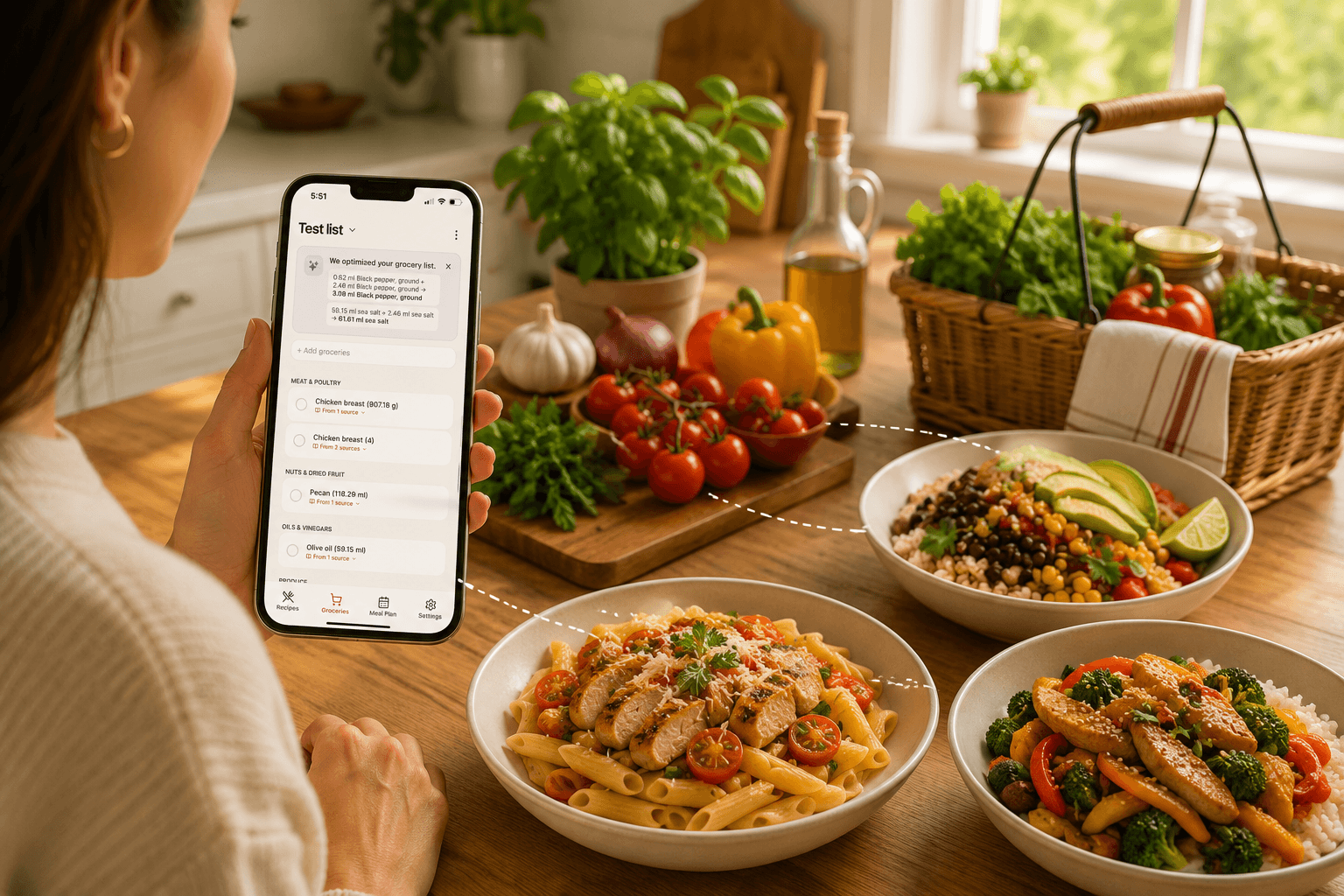
Spiceful lets you add grocery items manually, from individual recipes, or from your meal plan. It also consolidates duplicate items so the same ingredient does not appear repeatedly throughout the list.
Premium users can use Smart Merge for more advanced grocery consolidation.
5. Access Across Your Devices
You may plan meals on a computer, check a grocery list on your phone, and follow a recipe from a tablet in the kitchen.
Before choosing an app, check whether it works on the devices you regularly use.
Spiceful is available on iPhone, iPad, Android, and the web, allowing you to access your recipes, meal plans, and grocery lists from different devices.
Popular Recipe Organizer Apps to Consider
The best choice depends on which part of the cooking process matters most to you.
Paprika Recipe Manager
Paprika is an established recipe manager used for saving recipes, organizing collections, planning meals, and creating grocery lists.
It may suit home cooks who prefer a traditional digital cookbook and already have a large Paprika collection.
Mela
Mela is a recipe manager designed for Apple devices. It focuses on collecting recipes and presenting them in a clean, native Apple experience.
It may appeal most to people who primarily use Apple products.
AnyList
AnyList is best known for grocery list management and household shopping lists. It also includes recipe organization and meal-planning tools.
It may be a good fit when shared grocery shopping is the main priority.
Recipe Keeper
Recipe Keeper helps users collect recipes from websites, documents, photos, and personal collections.
It may suit people who want a straightforward digital recipe book across several devices.
Spiceful
Spiceful connects recipe organization with the rest of the weekly cooking process.
You can import recipes from multiple sources, search and organize your collection, schedule recipes in a weekly meal plan, and create grocery lists from the meals you choose.
It is designed for home cooks who want to move from scattered recipe inspiration to an organized plan and one grocery list.
Which Recipe Organizer Is Right for You?
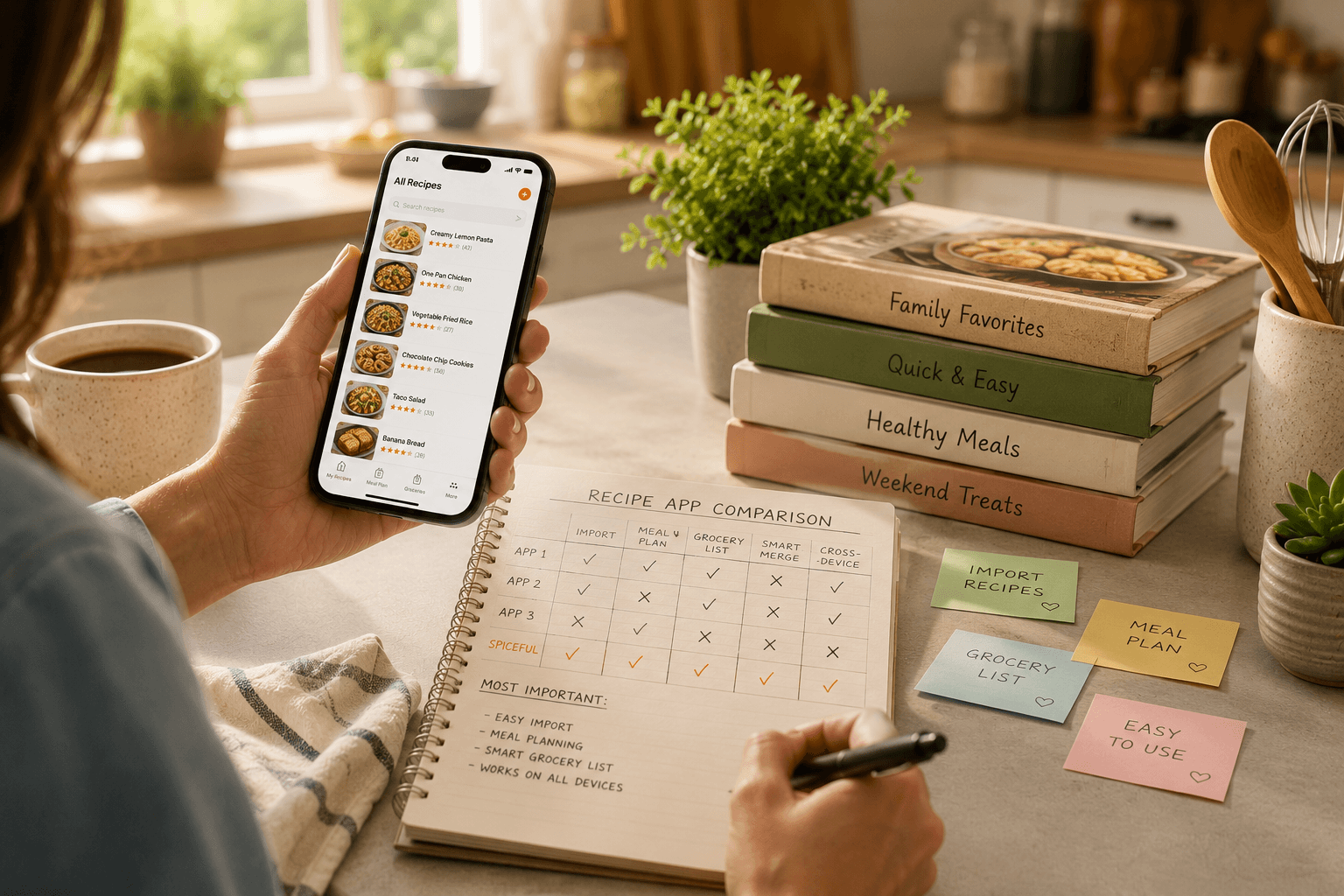
Before choosing, think about where your recipes come from and what you want to do after saving them.
Ask yourself:
- Can I easily import the recipes I already have?
- Will I be able to find them again?
- Can I turn them into a weekly meal plan?
- Can the app build a grocery list from my recipes?
- Does it work on the devices I use?
The best recipe organizer is not necessarily the one with the most features. It is the one that removes friction from the way you already cook.
If you want to save recipes from different sources, organize them, plan your week, and build grocery lists in the same place, Spiceful is worth considering.
Try Spiceful and bring your recipes, meal plan, and grocery list together.
Ready to tame the chaos? Build your recipe book.
- Save recipes from anywhere
- Turn ingredients into one tidy list
Start free. No credit card needed. Upgrade anytime.