Organize Recipes for the 6:12 P.M. Version of You
Build a small, decision-first recipe system around real dinner questions: time, cleanup, ingredients, and recipes you would happily make again.

The Spiceful Team
At 6:12 p.m., “Italian” is a perfectly respectable category. It is also not much help.
You do not need a nationality for dinner. You need to know whether the pasta takes 20 minutes, uses the spinach you bought with wild Sunday optimism, and requires one pan or a sink full of forensic evidence.
That is the difference between a recipe collection and a useful recipe library. A collection is a beautiful pile of possibilities. A useful library helps you locate a realistic dinner before you order takeout out of spite.
The fix is to organize around the decisions you repeatedly make, rather than trying to classify every recipe like you are opening a very tiny, very delicious branch of the Library of Congress.
Start with the questions you ask when you’re hungry
Think about the last few times you had to decide what to cook. Your questions probably sounded more like these:
- What’s fast?
- What uses the spinach, mushrooms, tortillas, or other ingredient approaching its villain origin story?
- What makes very few dishes?
- What have I made before that people actually ate without filing a complaint?
- What can I make extra of for a future low-effort night?
Those are the questions your organization system should answer.
Cuisine, course, and season can still be useful. If you regularly cook by cuisine, host themed dinners, or simply enjoy browsing “Thai” or “Italian,” keep those labels. Nobody is taking away your pasta folder. They just tend to work better as extra context than as the only route to dinner.
A folder labeled “Italian” may contain a 15-minute lemon pasta, a three-hour ragù, and a lasagna that turns your kitchen into a minor construction site. They are related in the broadest possible sense. They do not solve the same Tuesday.
Use a few stable categories, not every fact about a recipe
Categories work best when they represent recurring decisions. They should be stable enough that you will use them for months, not specific enough to become abandoned decorative trim.
A compact starter setup might include:
- Quick dinners: Recipes you can realistically start when everyone is already hungry.
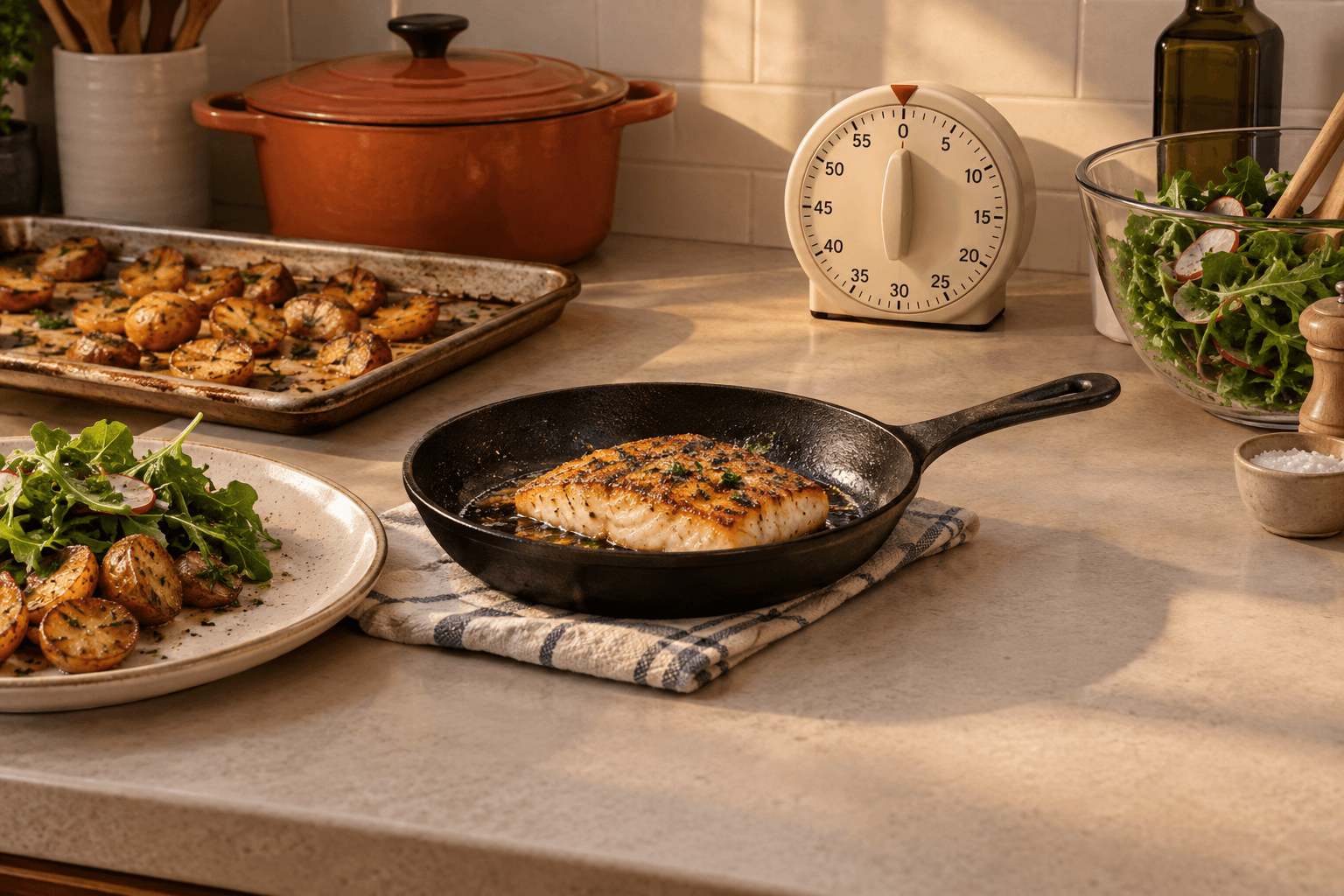
- Low-dish meals: Sheet-pan dinners, one-pot meals, and anything unlikely to require a second shift at the sink.
- Dependable repeats: Meals with a record of success in your actual home, where people have their actual preferences and suspicious relationships with onions.
- Batch or freezer-friendly meals: Things worth making beyond one serving, if that fits how you cook.
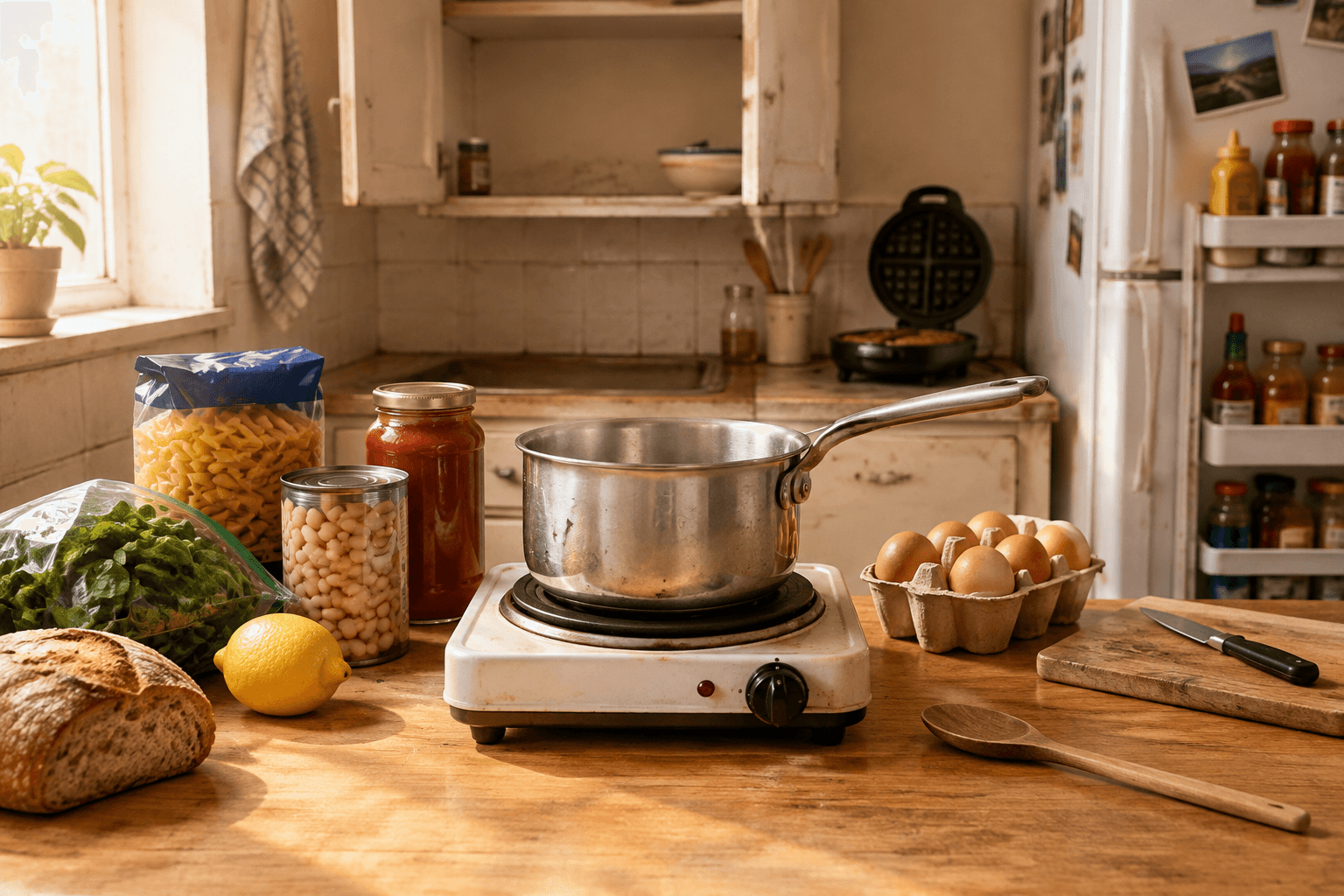
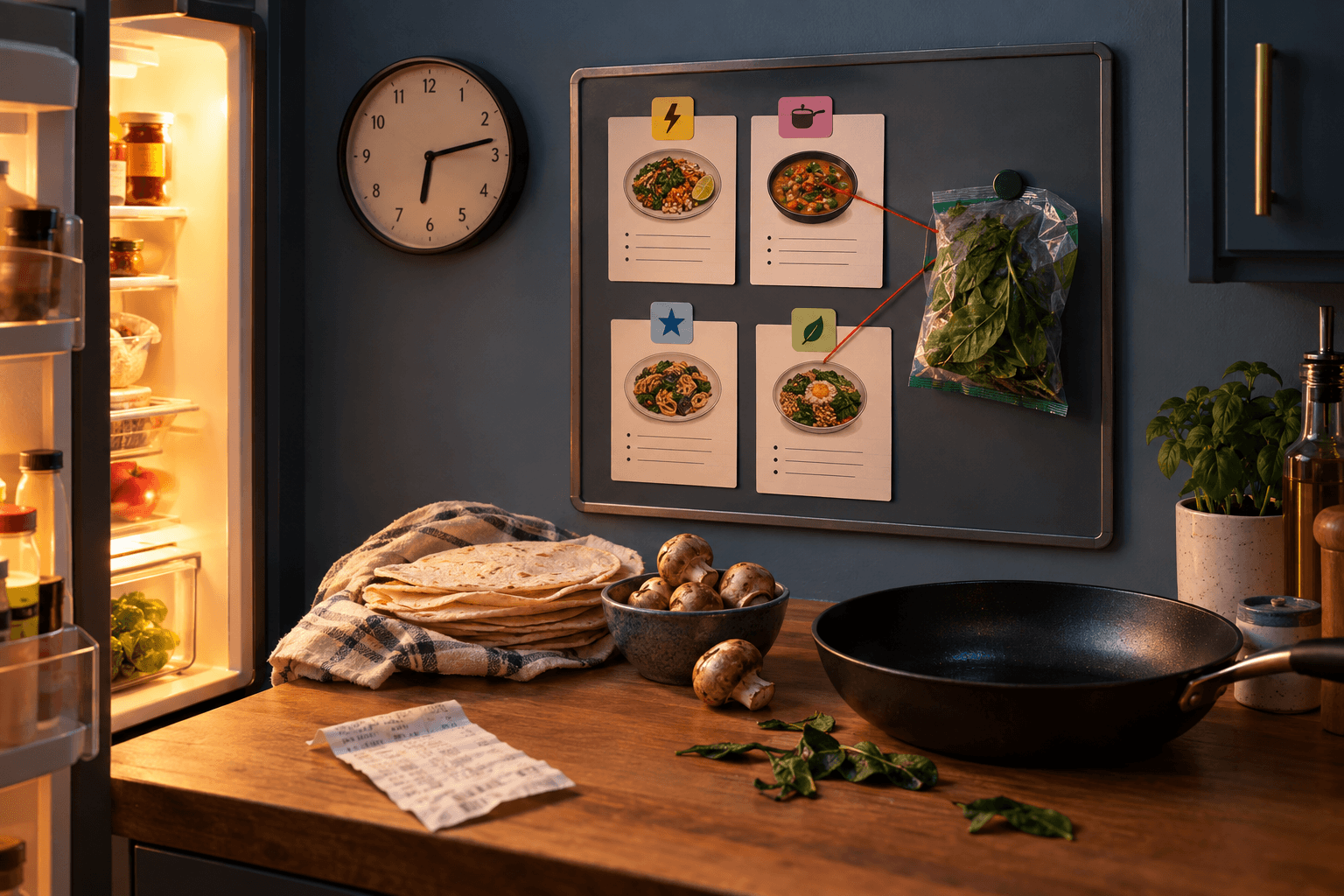
- Ingredient rescue: Categories for ingredients you routinely buy, forget, and rediscover with a small sense of betrayal. Maybe spinach. Maybe tortillas. Maybe chickpeas. Your household, your recurring produce crimes.
This is an example, not the Five Commandments of Recipe Filing. Your useful categories may be “grill weather,” “lunches I’ll eat,” or “recipes for when my brain has left the chat.”
The test is simple: does this grouping repeatedly change what you choose to cook?
If yes, it earns a place. If it only makes your library look impressively curated, it may be a hobby masquerading as a system.
Add categories slowly
Do not build 37 categories during one highly motivated Sunday afternoon. That is how you end up deciding whether a chicken recipe belongs in Chicken, Weeknight Chicken, Comfort Food, Fall, Air Fryer, High Protein-ish, or Things My Cousin Sent Me.
Start with the decisions that come up constantly. Add a category after you notice the same retrieval problem more than once.
For example, if you keep asking, “What can I make with tortillas?” a tortillas category may be useful. If you make one fondue recipe every two years, “fondue” can survive as a search term, a note, a bookmark, or a pleasant memory. It does not need its own wing of the museum.
Delete or merge categories that have become clutter. A category with two unrelated recipes and no obvious future is just a tiny digital junk drawer.
Let recipes belong in more than one place

Dinner problems overlap because dinner is rude like that.
A tofu stir-fry might be quick, vegetarian, low-dish, and a good way to use up broccoli. A baked pasta may be a dependable repeat and something worth making in a larger batch. Trying to assign one “correct” identity to either recipe misses the point.
In a paper binder, this might mean an index card listed under several headings, a cross-reference in the margin, or a simple index at the front. In a spreadsheet, it might mean using several columns. In a notes app, it could mean consistent words in the title or body text so search can find them.
The tool matters less than being able to retrieve a recipe through the route your tired brain is using that day.
Maybe tonight you are browsing by “quick.” Next week you have guests and browse by cuisine. Both should be allowed. Your recipe library is here to serve dinner, not enforce doctrinal purity.
Give recipes a life after you save them
The biggest organizational mistake is treating every save as a final archival event.
You find a recipe, immediately attempt to classify it by cuisine, main ingredient, cooking method, season, texture, occasion, and phase of the moon. Forty minutes later, dinner is still theoretical and you have opened a bag of crackers.
Use lighter stages instead.
New saves get a quick pass. Save the recipe somewhere you can find it again. Add only the organization that will matter soon, such as “quick dinners” or “try soon,” if that is a system you use. You do not need to fully catalog a recipe you have not made.
Cooked recipes get better information. After you make something, record what you learned. Was it genuinely quick? Did it make too many dishes? Did everyone like it? Would you make it again? This is where a rating, a favorite marker, or a short note becomes valuable. It preserves the memory that disappears the moment you are hungry again next Thursday.
Recipes that leave rotation should leave your main view. Maybe it was disappointing. Maybe it required an ingredient you will never buy again. Maybe you have outgrown your 2021 sourdough era. Archive it, move it to a back section, or otherwise get it out of the everyday browse. Keeping every recipe visible forever makes a library feel like an attic.
Favorites, ratings, and archive status do different jobs:
- Use favorites for recipes you want to pull up quickly.
- Use ratings to remember how a recipe went after you cooked it.
- Use an archive for recipes you do not want distracting you during ordinary dinner browsing.
A five-star rating does not need to mean “objectively restaurant-worthy.” It can mean “my family ate it, I did not resent making it, and the leftovers did not become a hostage situation.” That is useful information.
Build meal plans from candidates, not vague intention
Meal planning gets easier when your recipes are already organized around workable choices.
Instead of staring at a giant saved collection and trying to conjure a week of dinners from the void, browse a decision group. Pick one quick meal for a busy evening, one dependable repeat for the night everyone has activities, and a bigger project only if you genuinely want one.
The plan still belongs to you. A recipe system cannot know what you feel like eating, whether your week has gone sideways, or what is currently hiding behind the yogurt in your refrigerator. It can reduce the exhausting part where you know you saved a perfect recipe somewhere, but “somewhere” turns out to be an Instagram Reel from 14 months ago.
Once you choose meals, turn them into a shopping list. Then check what you already have yourself, because no organizational method can see into your pantry. Frankly, some of us cannot see into our own pantries either.
Where Spiceful fits
If your recipes are scattered across websites, Instagram saves, screenshots, cookbook photos, messages, and browser tabs, Spiceful can house the recipes you bring into one personal recipe library.
You can import recipes from URLs and pasted text, import from photos on mobile, and send Instagram recipes through the mobile share sheet. You can also create recipes manually. Imported recipes should get a quick review and correction when needed. Some sites block automated access or require a login, so pasting recipe text is a useful fallback.
Once recipes are saved, Spiceful lets you search and filter your own library, organize recipes with categories, mark favorites, add ratings, and archive recipes that no longer deserve daily screen time. A sensible setup is to use categories for recurring decisions, then rely on search and filters when a more specific need pops up.
Spiceful’s Free plan includes five categories, which is plenty for a deliberately small starter system. Premium includes unlimited categories. More available shelves do not require you to fill every shelf. The pantry container industry has already done enough damage.
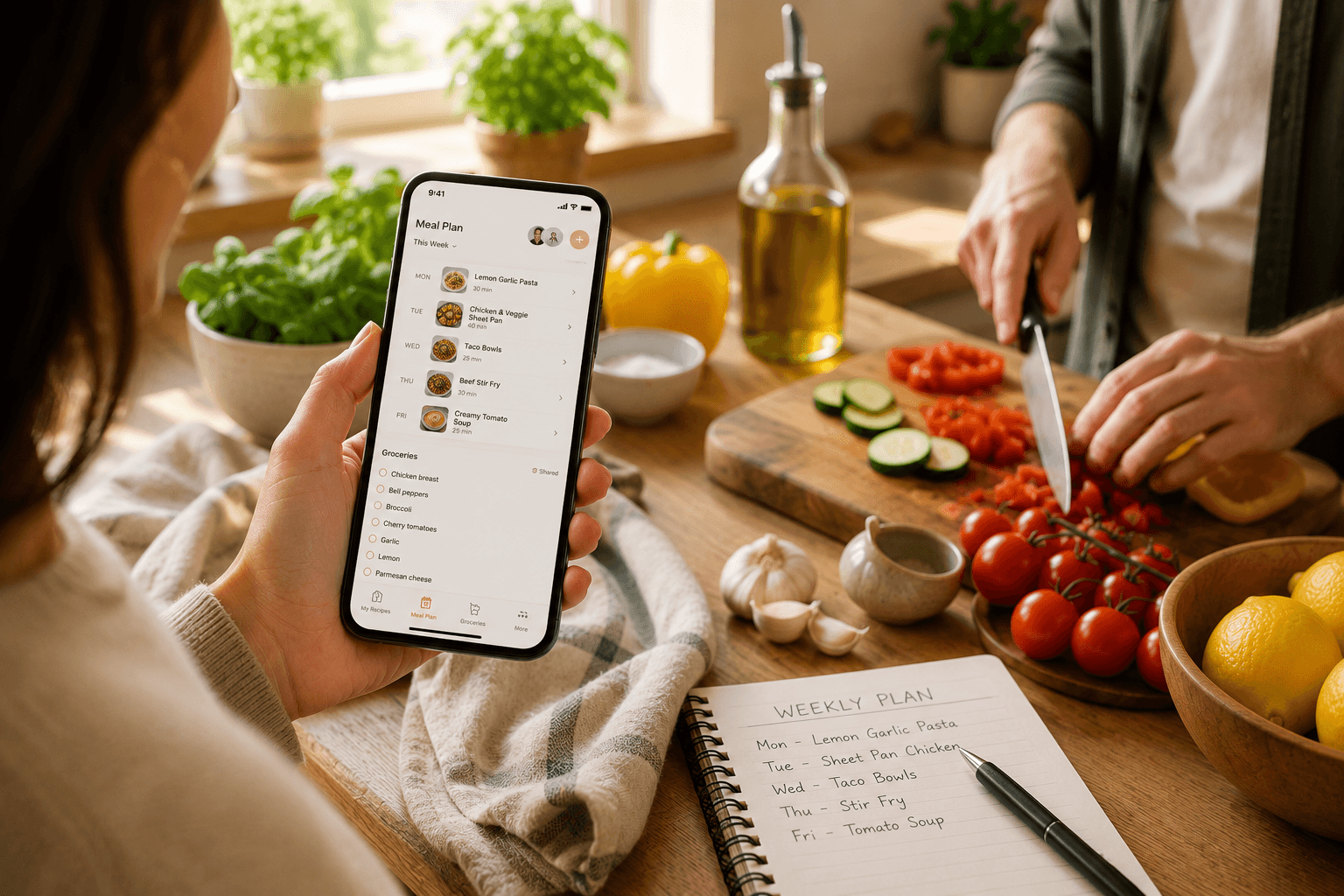
When you have found candidates, you can put saved recipes on Spiceful’s meal-plan calendar. A meal plan can build a grocery list, and grocery ingredients can be consolidated. Spiceful does not choose meals for you or track what is already in your pantry. That would require it to know whether the cilantro is still good, a question best answered by reality and perhaps a little dread.
Your system is working when it helps you answer dinner’s least glamorous question: “What can I make without making my evening worse?”
Ready to tame the chaos? Build your recipe book.
- Save recipes from anywhere
- Turn ingredients into one tidy list
Start free. No credit card needed. Upgrade anytime.