How to Import Your Paprika Recipes into Spiceful
Moving from Paprika? Learn how to bulk import your recipes into Spiceful in minutes, preserve your recipe collection, and start meal planning with smarter grocery lists and modern organization.

The Spiceful Team
How to Import Your Paprika Recipes into Spiceful
If you've built a large recipe collection in Paprika, you don't have to leave it behind.
Spiceful lets you bulk import your Paprika recipes in just a few taps, preserving the important details so you can continue cooking without starting over.
Whether you're switching for better meal planning, smarter grocery lists, or easier recipe sharing, importing your recipes is the fastest way to get started.
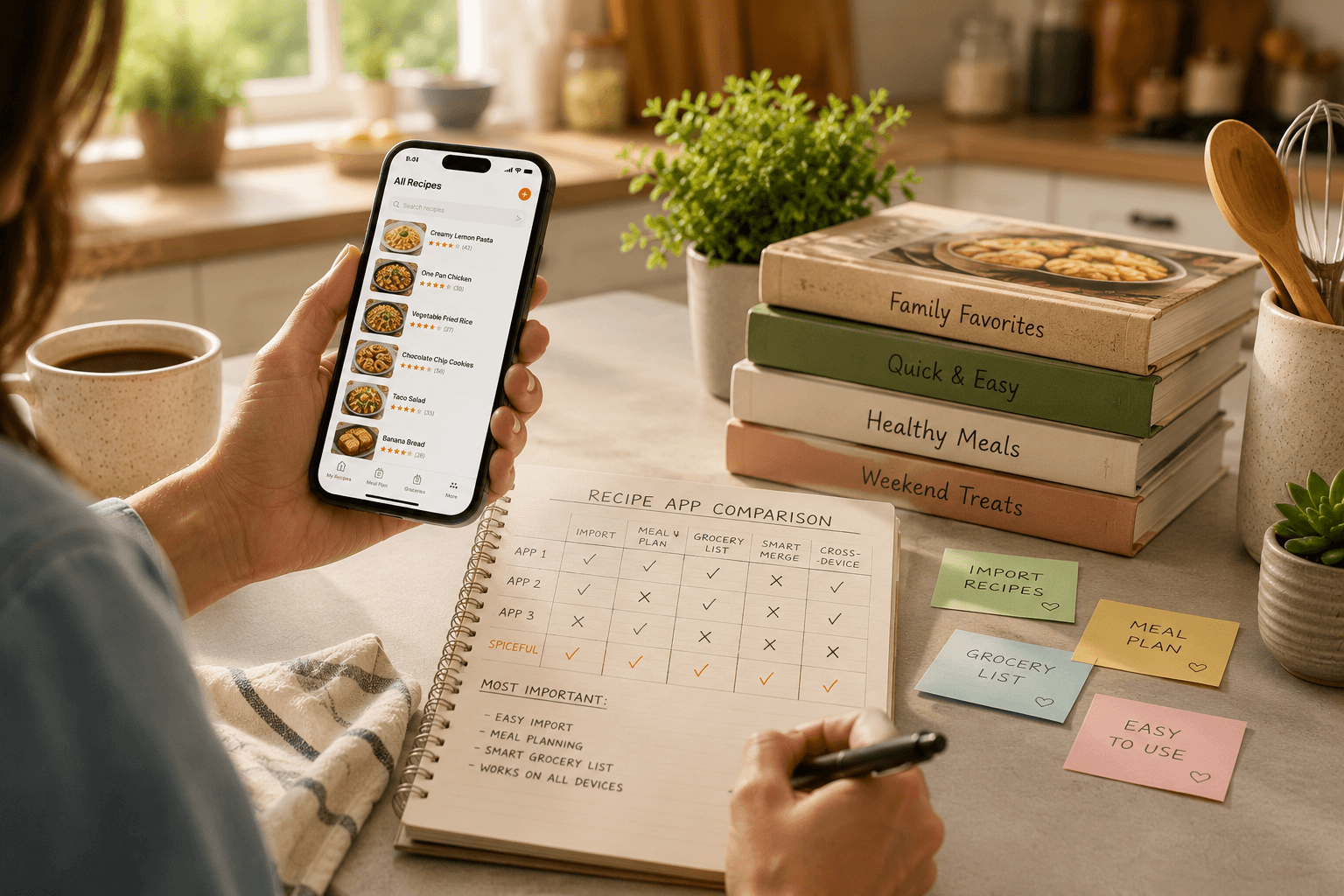
Why Switch from Paprika?
Paprika has been a trusted recipe manager for years, but many home cooks are looking for features that better support everyday meal planning.
Common reasons people switch include:
- Built-in meal planning
- Collaborative grocery lists
- Better recipe organization
- Recipe sharing with family and friends
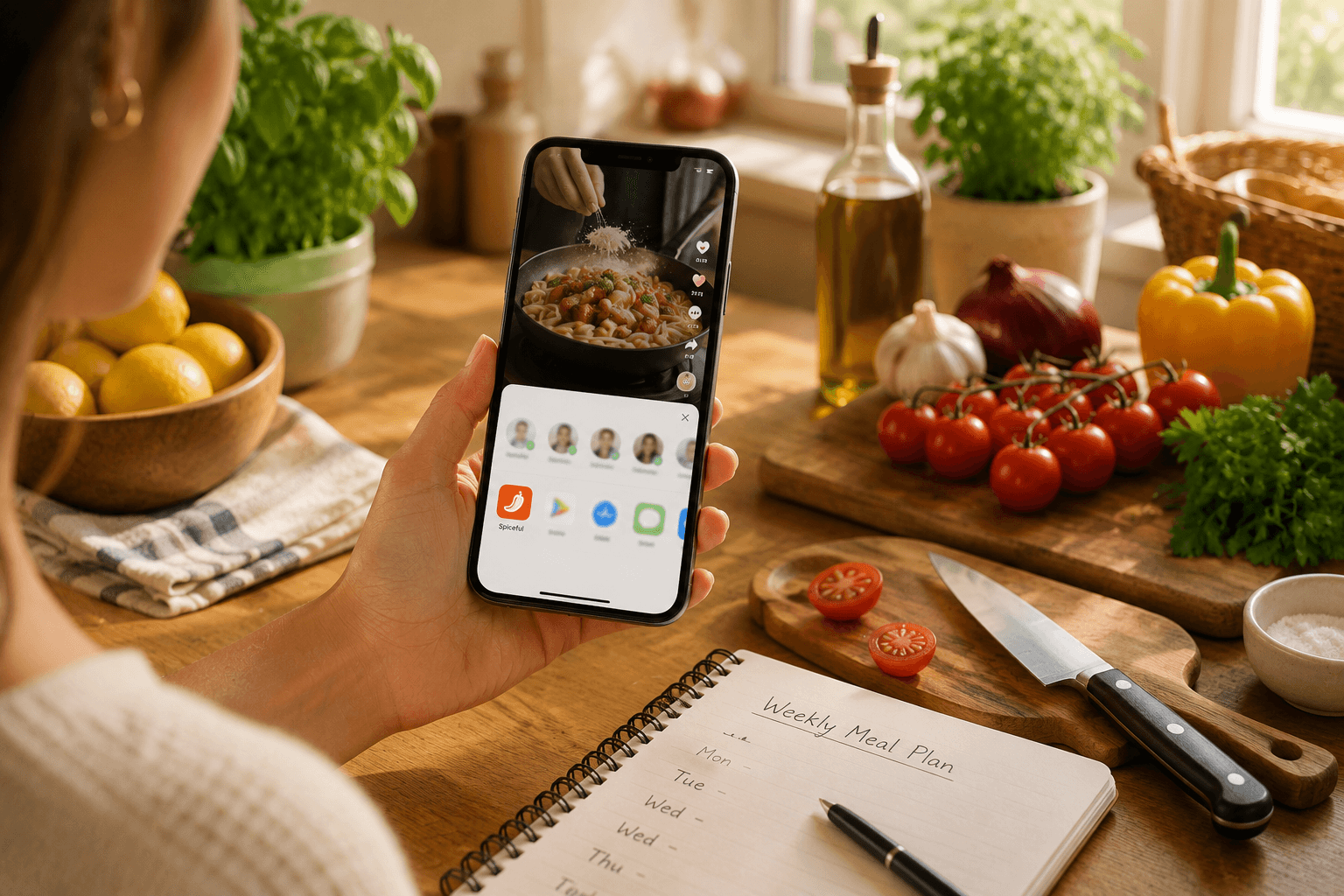
- Saving recipes from Instagram Reels and websites
- A modern, intuitive experience
The best part is that you can bring your existing recipe library with you.
How to Import Your Paprika Recipes
Importing your recipes only takes a few minutes.
Step 1: Open Spiceful
Tap Create Recipe.
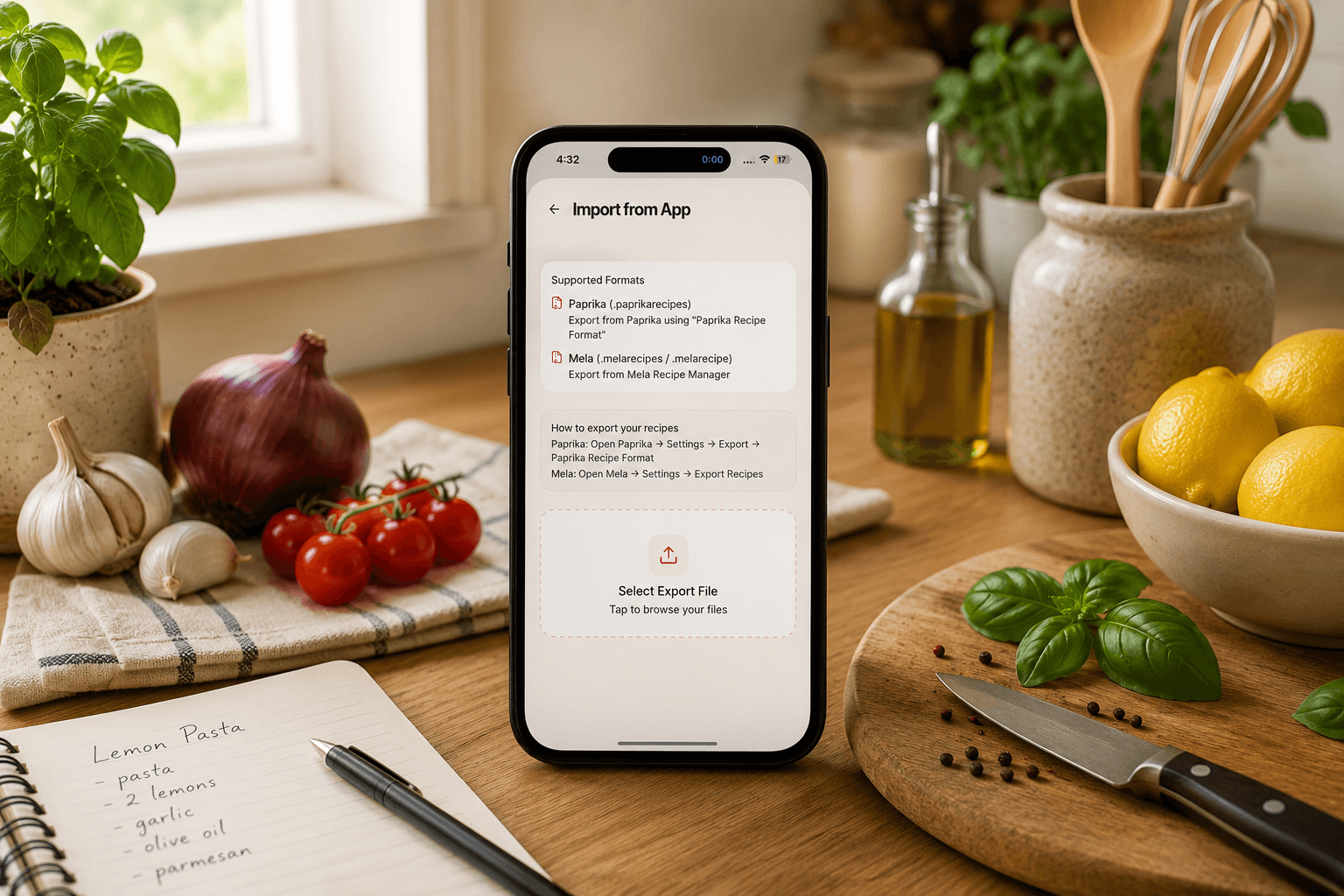
Step 2: Select Import from App
Choose Import from App from the menu.
Step 3: Choose Paprika
Select Paprika from the list of supported apps.
Step 4: Import Your Recipes
Spiceful will bulk import your recipe collection, including:
- Recipe titles
- Ingredients
- Instructions
- Categories and tags
- Notes
- Photos
Instead of importing recipes one by one, you can move your entire library at once.
After Your Import
Once your recipes are in Spiceful, you can:
- Organize recipes into collections
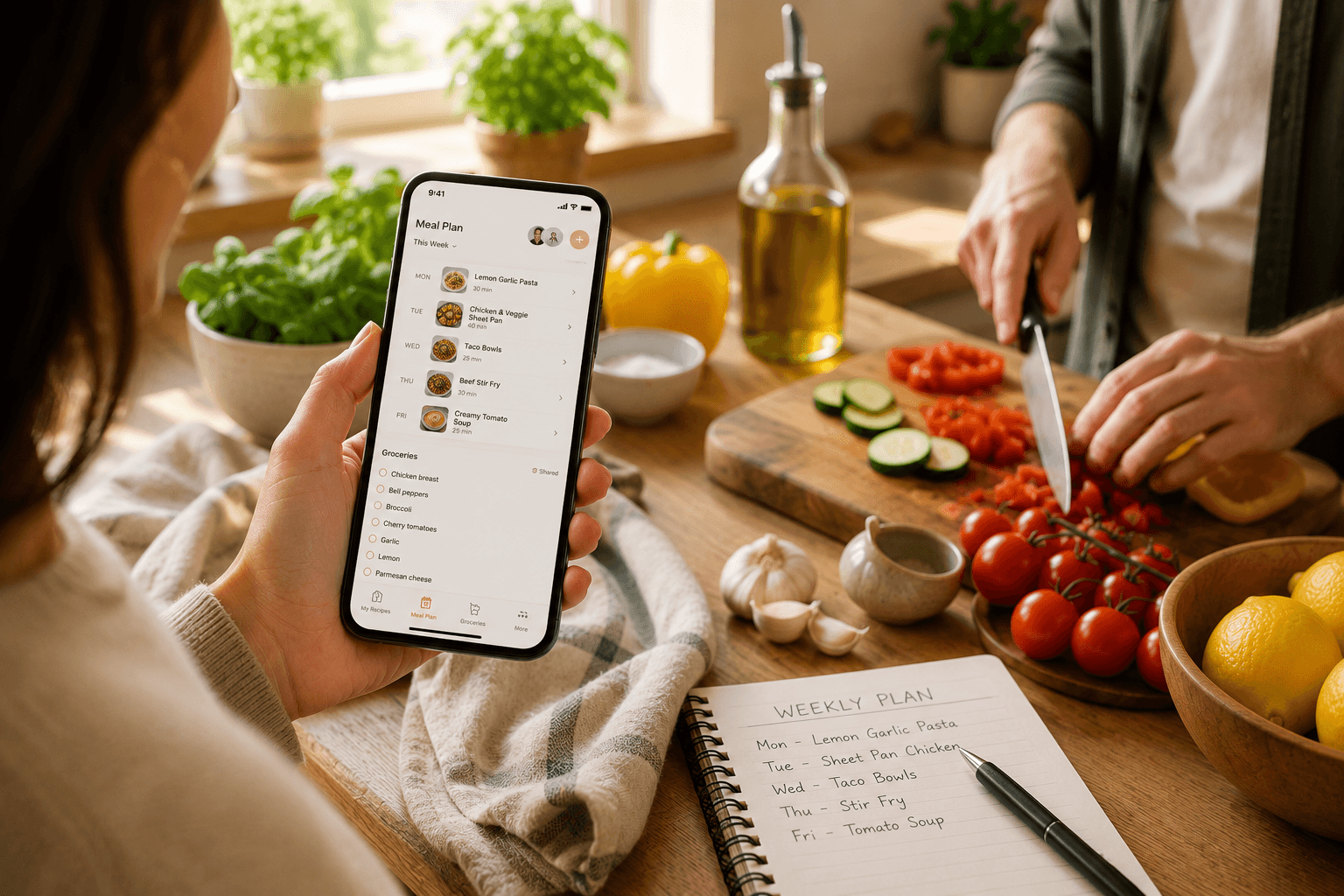
- Build weekly meal plans
- Generate smart grocery lists that combine duplicate ingredients
- Share recipes and grocery lists with family
- Keep saving new recipes from websites and Instagram Reels
Frequently Asked Questions
Can I import all my Paprika recipes at once?
Yes. Spiceful supports bulk importing, so you can transfer your entire recipe collection in one import.
Will my recipe details be preserved?
Yes. Spiceful imports recipe titles, ingredients, instructions, categories, notes, and photos.
Can I import recipes from other apps?
Yes. The Import from App feature also supports several other popular recipe apps.
Bring Your Recipe Collection with You
Switching recipe apps shouldn't mean losing years of saved recipes.
With Spiceful's Import from App feature, you can move your Paprika recipes in minutes and immediately start organizing recipes, planning meals, building grocery lists, and sharing recipes.
If you're looking for a modern Paprika alternative, Spiceful makes the transition simple so you can spend less time managing recipes and more time cooking.
Ready to make the switch? Download Spiceful and import your Paprika recipes today.
Ready to tame the chaos? Build your recipe book.
- Save recipes from anywhere
- Turn ingredients into one tidy list
Start free. No credit card needed. Upgrade anytime.