Share recipes
Share your favorite recipes with friends and family using Spiceful. Generate a recipe link in seconds and send it anywhere, from WhatsApp to social media.
Spiceful makes it easy to share your favorite recipes with friends and family. Whether it’s a weeknight dinner you loved, a baking recipe that turned out perfect, or a recipe collection you want everyone to try, you can share it in just a few taps.
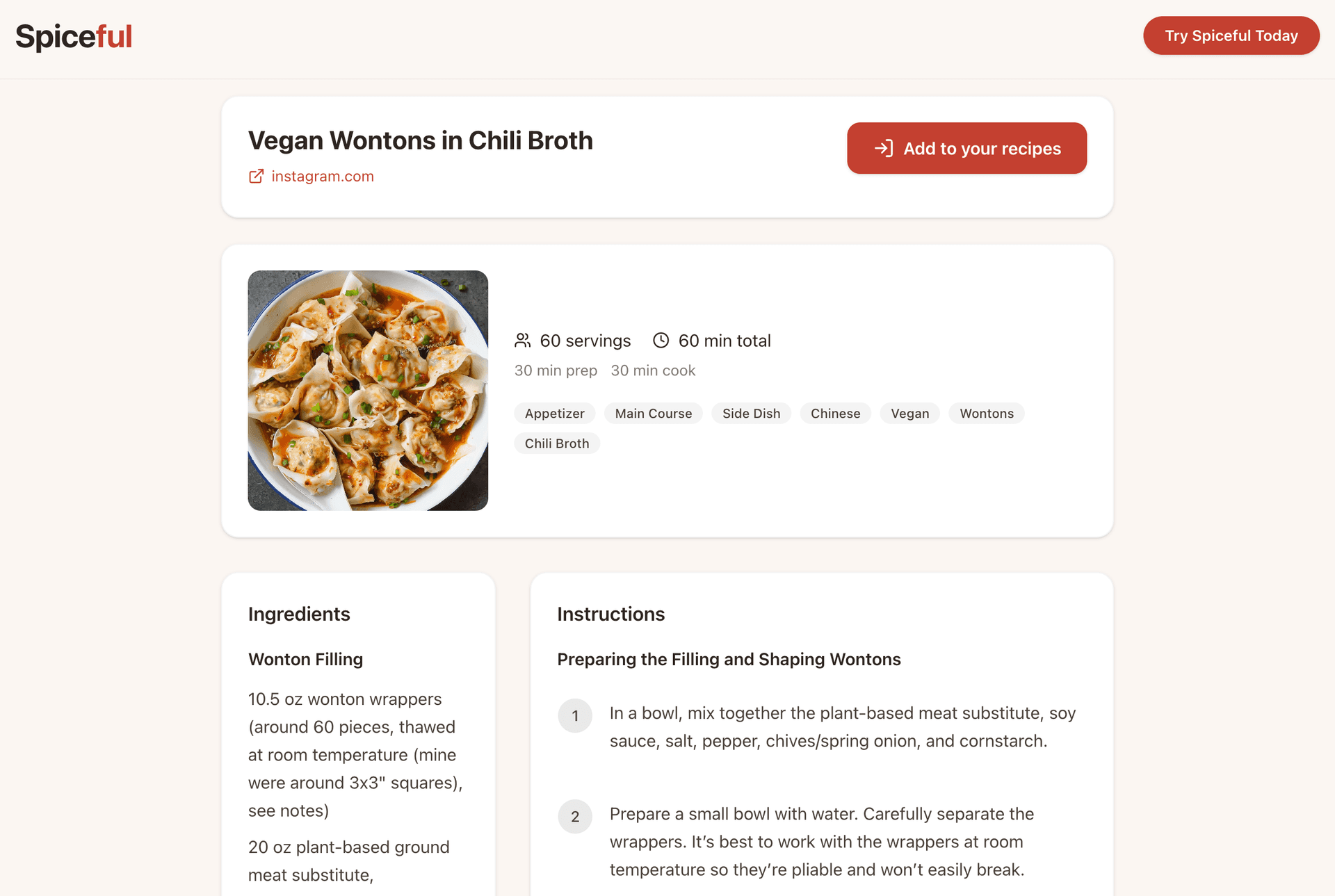
How recipe sharing works
Every recipe you save in Spiceful can be shared with a public link. Anyone with the link can open and view the recipe—even if they don’t have a Spiceful account.
Share a recipe
When you'd use this:
- You want to send a recipe to a friend or family member
- You want to share recipes in a group chat
- You found a recipe everyone keeps asking you for
- You want to post a recipe on social media
How it works:
- Open Spiceful
- Open one of your saved recipes
- Click or tap Share
- Spiceful will generate and copy a shareable link
- Paste the link anywhere—WhatsApp, Instagram, Messages, email, or social media
- Anyone who opens the link will see the shared recipe page
Tips
- Shared recipe links work on both mobile and desktop
- Anyone with the link can view the recipe
- Shared recipes include ingredients, instructions, and recipe details
- You can share recipes through messaging apps, email, or social media
- The original recipe stays saved in your Spiceful collection
Common questions
Do people need a Spiceful account to view shared recipes?
- No. Anyone with the link can open and view the recipe
Can I share recipes from the web app?
- Yes. Recipe sharing works on both web and mobile
Can I stop sharing a recipe later?
- Shared links may continue to work unless the recipe is deleted from your collection
Can I share imported recipes?
- Yes. Recipes imported from websites, Instagram, photos, or text can all be shared