How to Save Recipes from Instagram Reels with Spiceful
Stop losing great recipes in your Instagram saves. Learn how to save recipes directly from Instagram Reels and turn them into organized meal plans, grocery lists, and dishes you'll actually cook.

The Spiceful Team
Introduction
Instagram Reels is the digital kitchen table—where home cooks swap recipes, tricks, and weekday inspiration. One minute, you’re watching someone whisk together a caramelized shallot pasta; the next, your camera roll is filling up with screenshots you probably won’t see again. Finding those Reel recipes when you actually want to cook? That’s the tricky part. Screenshots get buried. Saved Reels hide beneath memes. Getting dinner started shouldn’t mean playing detective.
The Challenge of Saving Recipes from Instagram Reels
Instagram’s Save button works—up to a point. Your saved folder is a mixed pile of brunch ideas, memes, and shopping finds you never actually bought. That lasagna recipe you liked on Thursday? It’s probably lost. Try searching for "pasta" and you’re rolling dice. If a creator deletes a post, it’s gone for good. Screenshots hide in plain sight. Links you send yourself never see daylight. Just one missing Reel and suddenly cooking feels cluttered before you’ve boiled water.
Introducing Spiceful: Your Answer for Saving Instagram Reels Recipes
Spiceful is the friend who keeps recipe chaos under control and likes sharing the how-to. When you save a Reel, you hang onto what matters: the real recipe, not a blurred screenshot or a vanished video. Ingredient lists that flash by? Spiceful catches them. Voiceovers at triple speed? Covered. Share the Reel, and Spiceful turns it into a recipe card that’s tagged, searchable, and ready for action—on iOS, Android, or web. No more digital clutter. Just dinner ideas waiting for you.
Step-by-Step Guide to Saving Recipes from Instagram Reels with Spiceful
Ready to actually find that Instagram Reel recipe when it’s time to cook? Here’s how to do it with Spiceful:
- Share the Reel to Spiceful or Copy the URL:
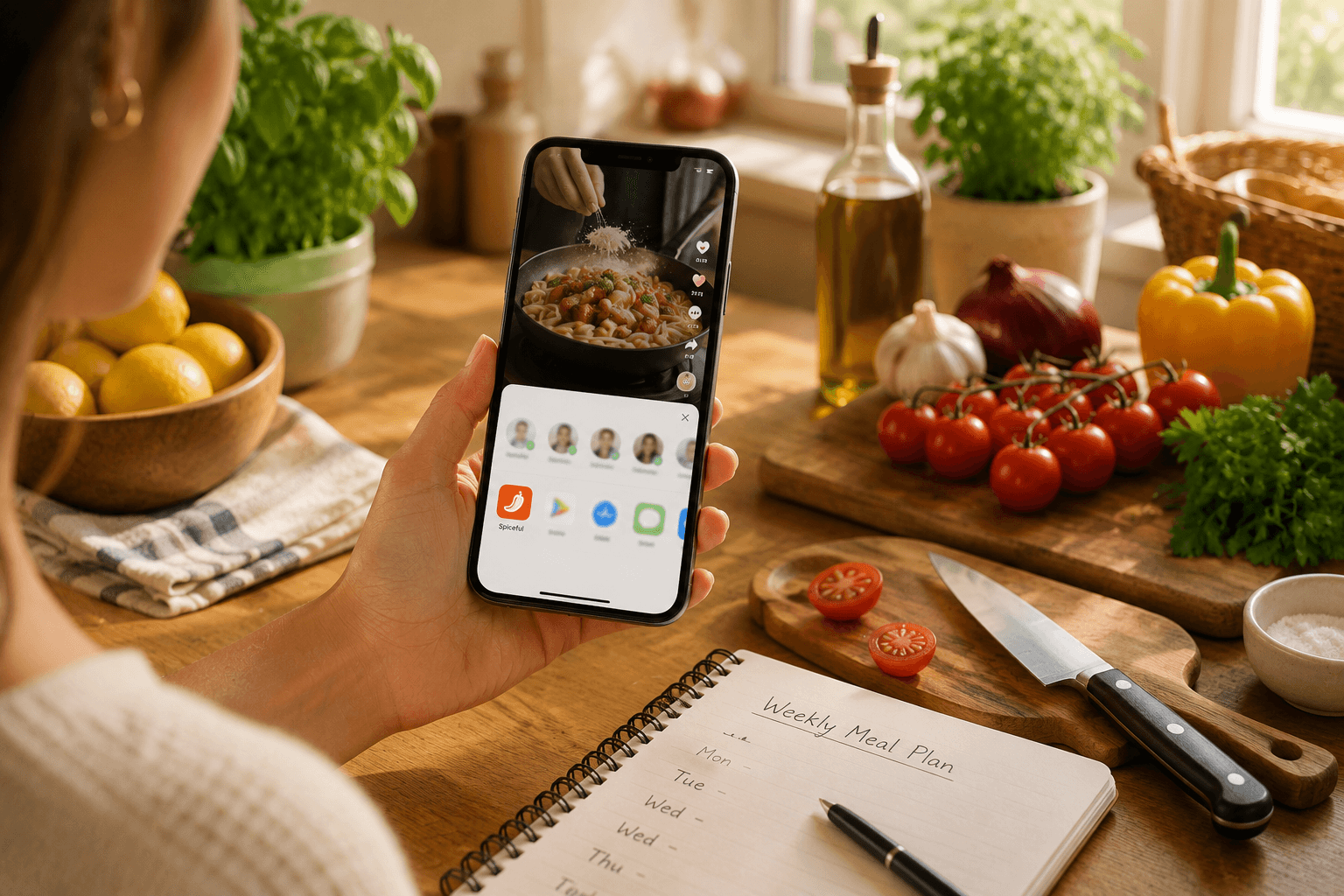
- On mobile: Tap the share icon while watching the Reel, open the share sheet, and select Spiceful to send the recipe into the app.
- Or: Tap the share icon and choose “Copy Link.”
- Open Spiceful:
- If you used the share sheet, Spiceful opens automatically and pulls in the details. If you copied the link, open Spiceful and paste it into the "Import from Instagram field."
- Review and Edit:
- If a step gets glossed over or a measurement is missing, edit it right inside Spiceful. Add your own notes so the instructions fit your style, not just the creator's.
- Organize with Tags:
- Tag your saved recipes by mood (“weekday,” “vegetarian,” “five-ingredient”) or main ingredient. Later, when you’re hungry, search a tag—no more scrolling for the right dinner plan.
- Search Instantly:
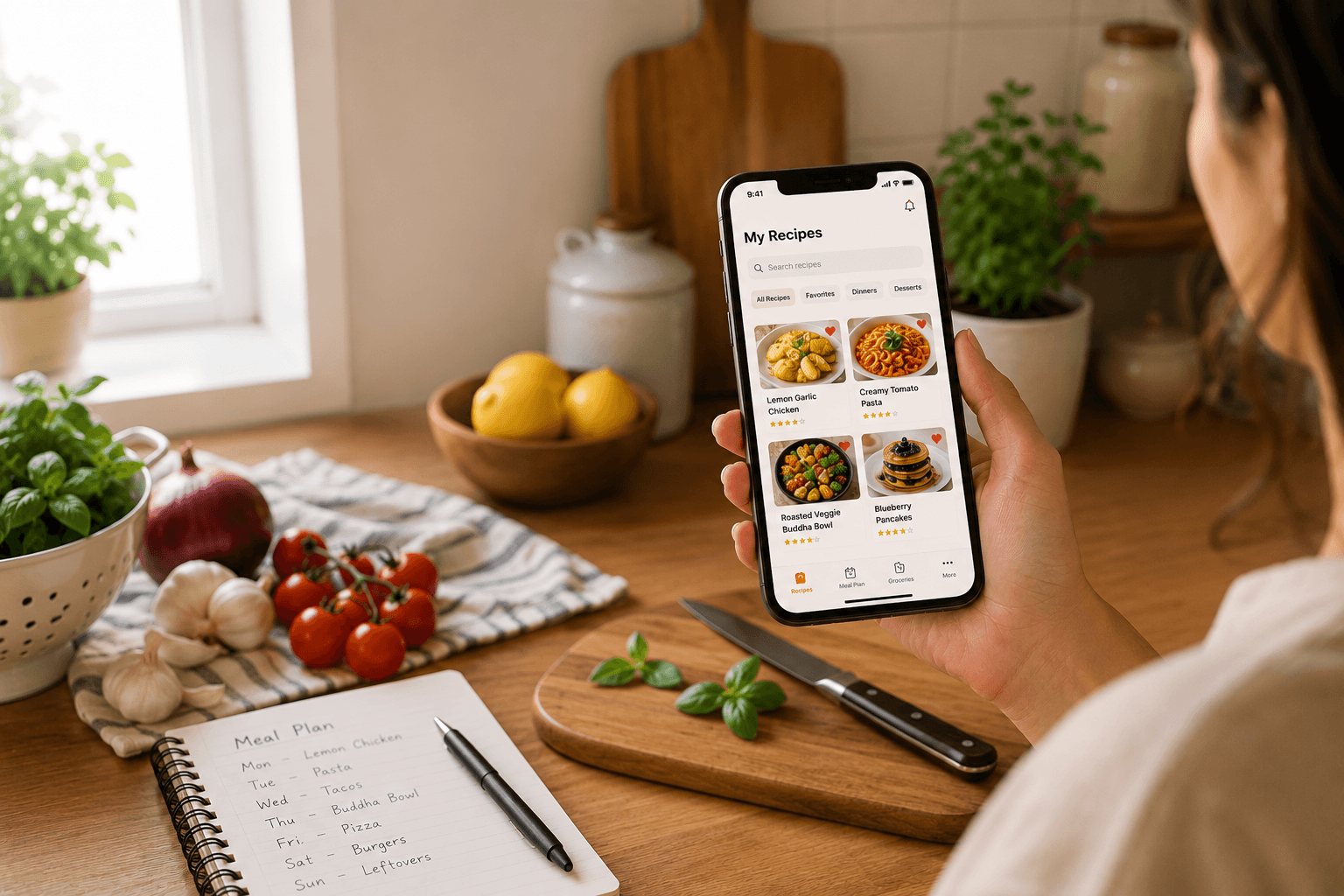
- When it’s time to cook, search your recipes. Every Instagram Reels recipe you’ve saved shows up, organized and ready—no need to dig through screenshots.
Give it a try on your next Reel and see what a smoother dinner routine feels like.

Additional Features to Enhance Your Cooking Experience
Saving Reel recipes is just the beginning. Spiceful clears space in your kitchen routine:
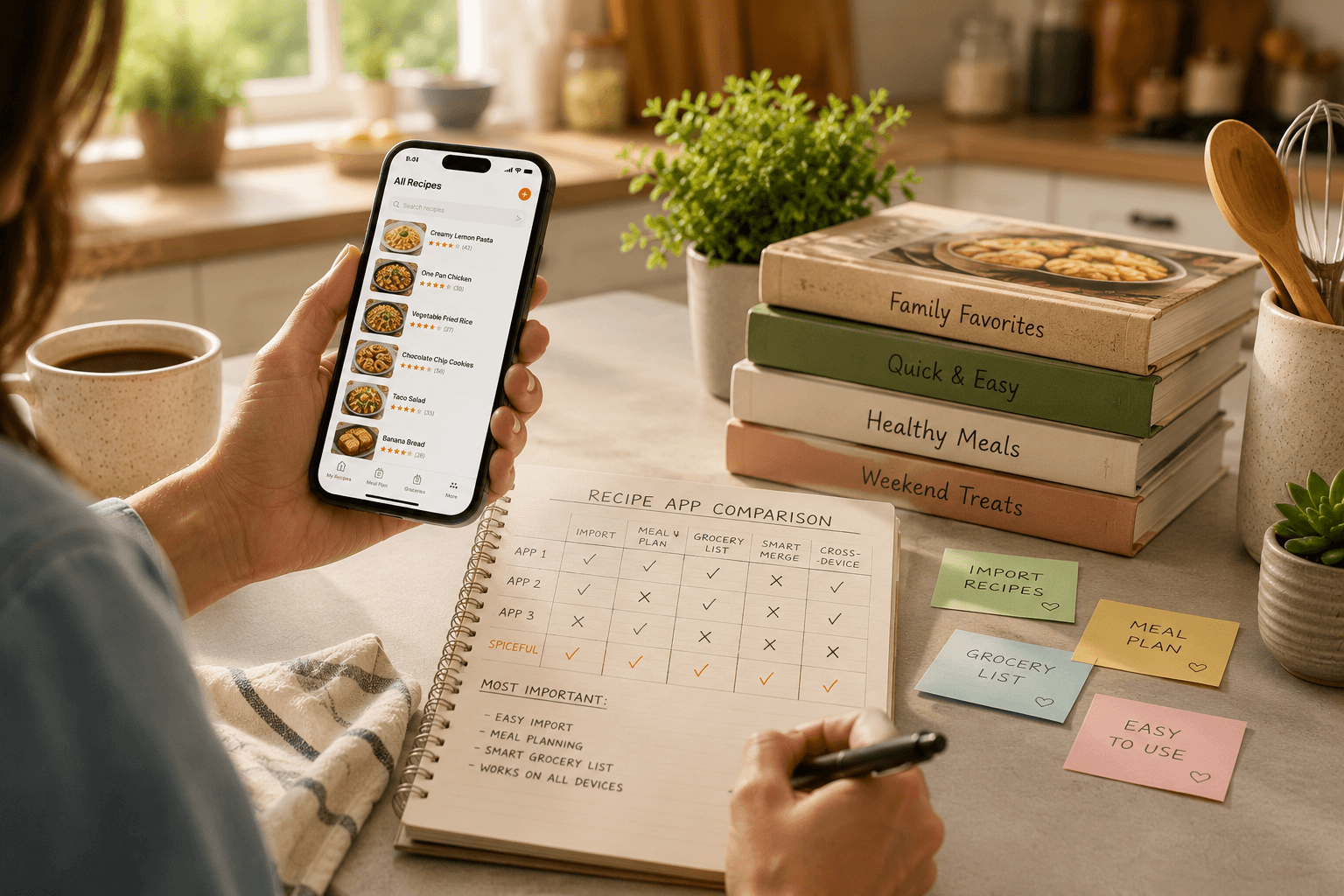
- Grocery List That Adds It Up: Three recipes, three different onion requests—"1 onion," “1/2 cup,” “onion.” Spiceful does the math for you: "You need 3 onions." No confusion, no forgotten ingredients.
- Meal Planner: Drag recipes from Instagram Reels straight onto your meal planner. Set up your week—Taco night Tuesday, Reels lasagna Friday. Everything where you need it, ready to go.
Now your kitchen routine matches your feed: neat, quick, and always waiting for you.
Conclusion
The best part of Instagram Reels recipes is making them, not scrolling through a mess of old screenshots. Spiceful keeps every recipe organized so you never lose your favorites or meal ideas. Share directly from Reels, turn tonight’s inspiration into dinner, and know your next great meal is waiting right where you need it.
Ready to tame the chaos? Build your recipe book.
- Save recipes from anywhere
- Turn ingredients into one tidy list
Start free. No credit card needed. Upgrade anytime.