Why Your Saved Recipes Never Become Real Meals And How to Fix It
Stop saving recipes you never cook. Learn why bookmarked meals don’t turn into real dinners — and how a simple weekly system can make cooking at home easier and more consistent.

The Spiceful Team
The Recipe Saving Paradox: Why We Save but Don't Cook
Raise your hand if you’ve ever scrolled through your phone, spotted a recipe that looked like the answer to dinner, tapped "save," and then promptly forgot it existed. You’re not alone. Most home cooks have dozens, maybe hundreds, of saved recipes scattered across camera rolls, Pinterest boards, Instagram archives, and old screenshots. When dinner time hits, hungry family waiting, grocery list blank, and time short, those saved recipes tend to stay digital.
It’s not just a personal quirk. Nearly 70% of people who save recipes online rarely end up cooking them. That gap between inspiration and dinner is real. Saving is easy. Turning those saved ideas into dinner is not automatic.
Common Pitfalls in Recipe Management
If those saved meals aren’t landing on your table, it’s not a lack of motivation. (You did save them, after all.) Here are the biggest tripping points most home cooks face:
Lack of Organization
Saved recipes live everywhere: your photos app, bookmarks, email threads, Instagram feed, or even that single sticky note on the fridge. When you want to cook something, you’re searching five different places. Sometimes the hunt outlasts the prep.
Inaccessibility
Picture this: It’s Wednesday evening, you’re in the produce aisle, and the pasta recipe you wanted is trapped on the laptop you left at home, not your phone. Even cloud-based tools can make device-to-device access fussy. If you can’t get that recipe in the moment, it might as well not exist.
Overwhelming Choices
Too many options often freeze you in place. When mealtime looms, decision fatigue hits. Sorting through 75 saved options is often more work than just making a classic from memory, so your digital vault stays unopened.
The Role of Digital Tools in Bridging the Gap
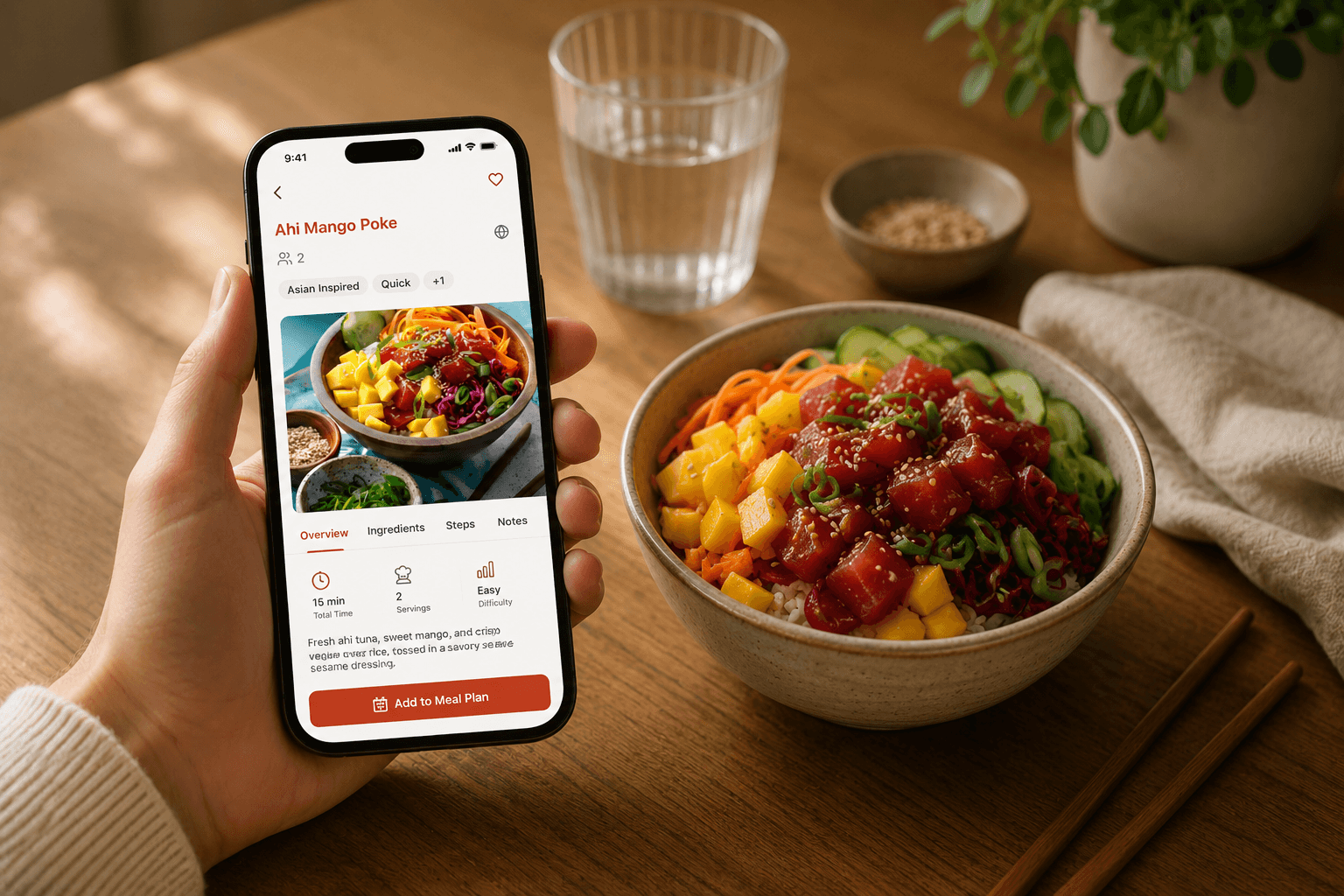
Recipe management apps and meal planning tools aim to help. The best digital recipe organizer sorts the chaos: recipes neatly stored, grocery lists built, and meal plans set before you’ve finished your first coffee. Features like recipe clipping so you can add any recipe you stumble on, advanced search, tags, and built-in meal planners are designed to move you from “save” to “cook.”
The secret is fast access, making it easy to turn inspiration into dinner.
How Spiceful Transforms Your Cooking Routine
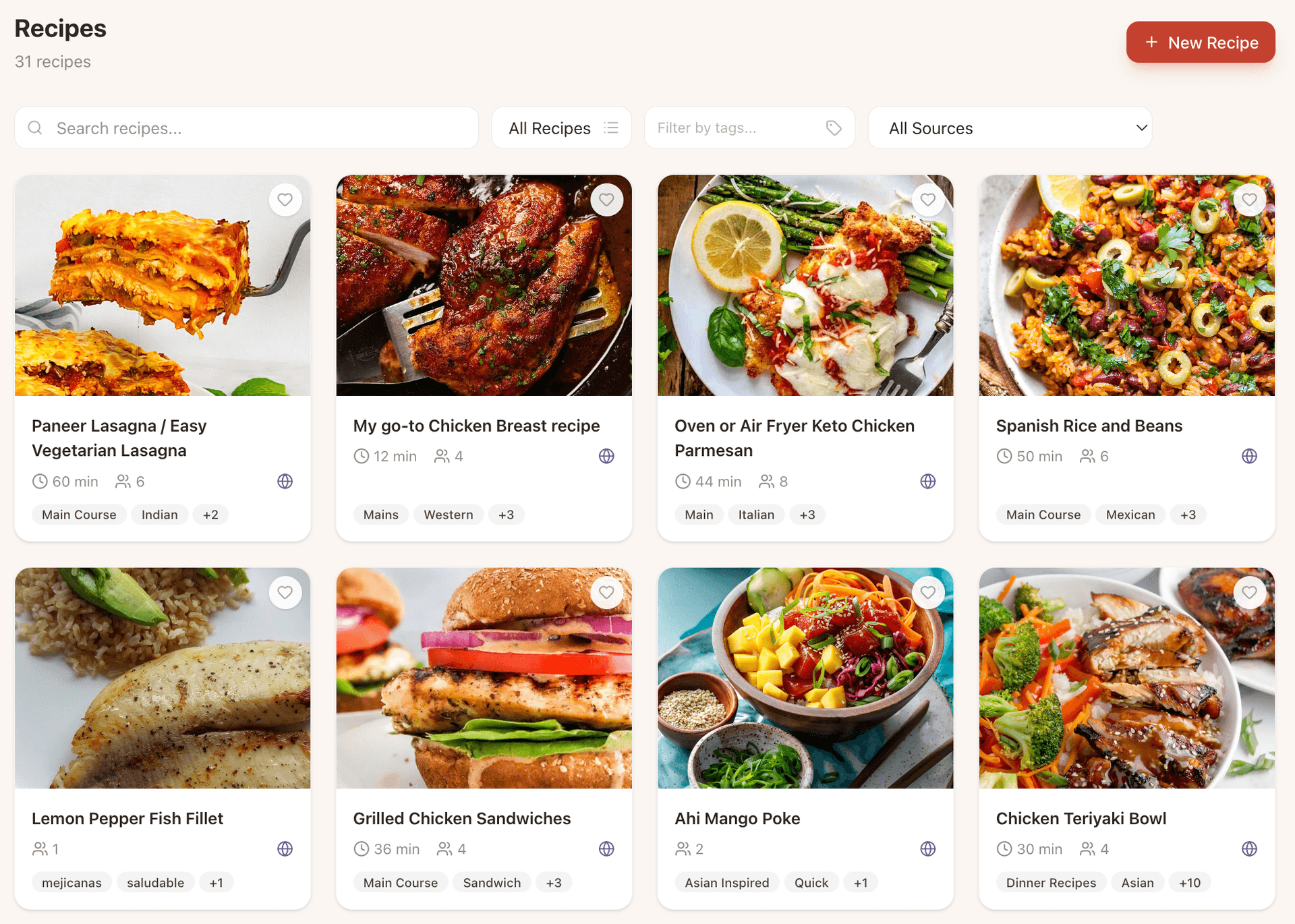
Spiceful was born out of real kitchen chaos, built by people who wanted something better. Here’s how life changes when your food routine runs through Spiceful:
- Recipe Clipper That Actually Works: Shakshuka on Instagram? Spicy noodles in a midnight post? Clip them to Spiceful with a tap or two. No more forgotten screenshots.
- All Your Recipes, Always Searchable: Every recipe, whether you saved it yesterday or last year, from books, PDFs, or screenshots, lives in one searchable spot.
- Smart Grocery List Builder: Three recipes call for onions, and Spiceful figures out you need “3 onions.” No duplicates, no manual math. One tap and your list is ready, grouped by aisle.
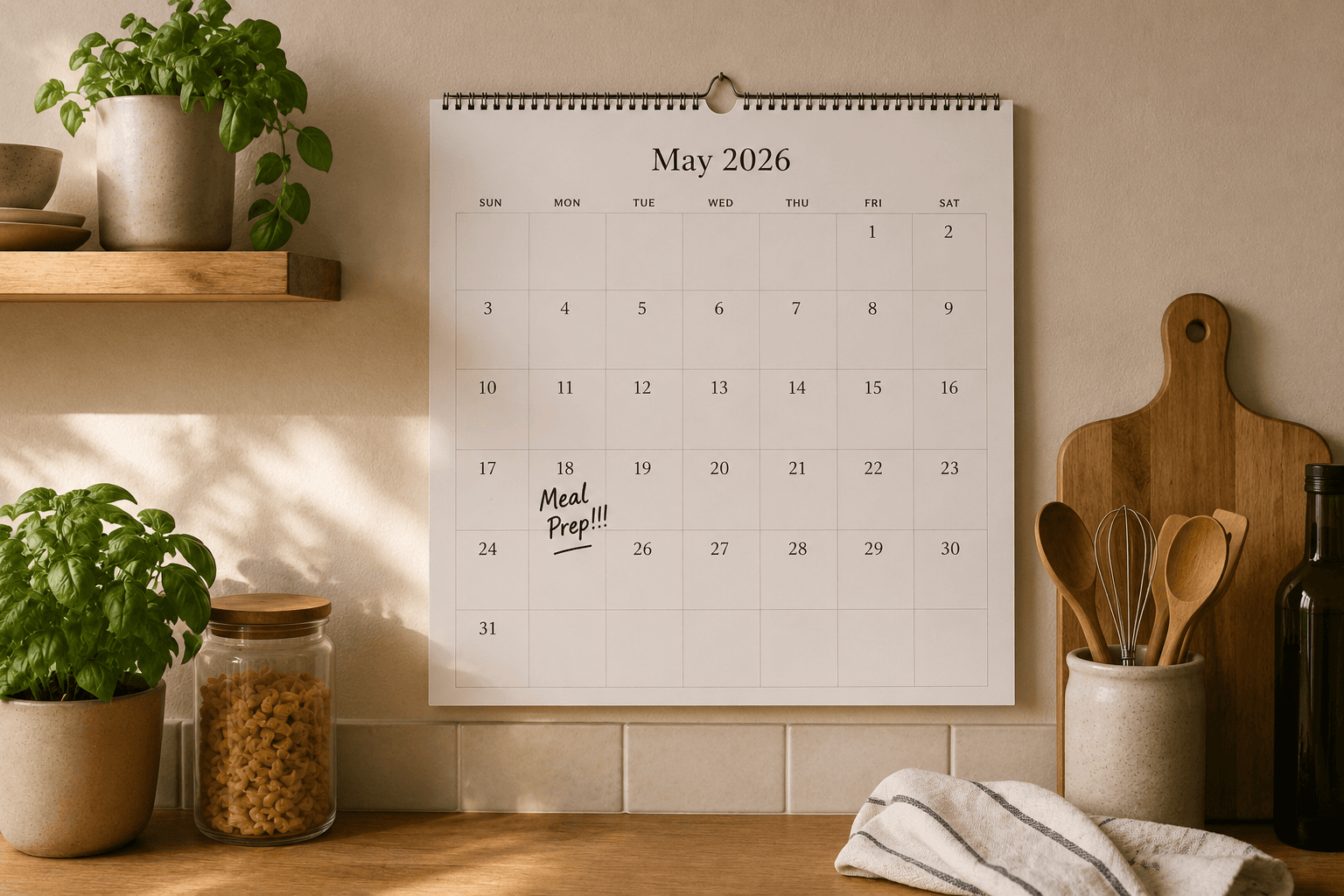
- Plan a Week in Minutes: Drag recipes over to your meal planner. Monday, Tuesday, Friday, done. The app builds the grocery list. Plans change? Swipe, and the list updates. Simple and forgiving.
- Works Everywhere: In the store on your phone, on the couch with your iPad, or at your laptop printing that recipe for a friend. Your recipes and lists stay in sync across iOS, Android, and web.
Scenario Time:
Next Sunday: Browse your saved recipes, finally all in one place, pick three to cook this week, and ten minutes later, you’re done, grocery list ready. That meal you screenshotted a year ago? Dinner, tonight. Lots of apps claim to organize recipes. Spiceful genuinely does, like a friend who loves solving your kitchen chaos without a guilt trip.
Curious? Try Spiceful for free, it’s easier than scrolling food Instagram for another hour.
Practical Tips to Turn Saved Recipes into Meals
You don’t need a whole kitchen overhaul to make your saved recipes work for you. Here’s how to get started:
- Plan Weekly, Not Daily: Spend a few minutes each week scanning your digital recipe organizer and picking meals ahead. This cuts the daily "what’s for dinner?" stress.
- Tag for Fast Retrieval: Use tags like “quick,” “vegetarian,” “kid-friendly” to make searching a breeze.
- Shop With a Smart Grocery List: Let your app build your grocery list, merging ingredients and avoiding duplicates. Shopping becomes faster, with fewer forgotten or repeat items.
Conclusion
If your saved recipes never seem to make it to the dinner table, you’re not alone, and it’s not a flaw in your cooking drive. The real issue is finding them, getting organized, and having the bandwidth to make a move. The right digital recipe organizer, one built with real, imperfect kitchens in mind, like Spiceful, makes it easy to turn your stack of saved links into actual meals.
A few small changes now, and more of those recipes you want end up on your table, instead of hiding in digital limbo.
Ready to tame the chaos? Build your recipe book.
- Save recipes from anywhere
- Turn ingredients into one tidy list
Start free. No credit card needed. Upgrade anytime.